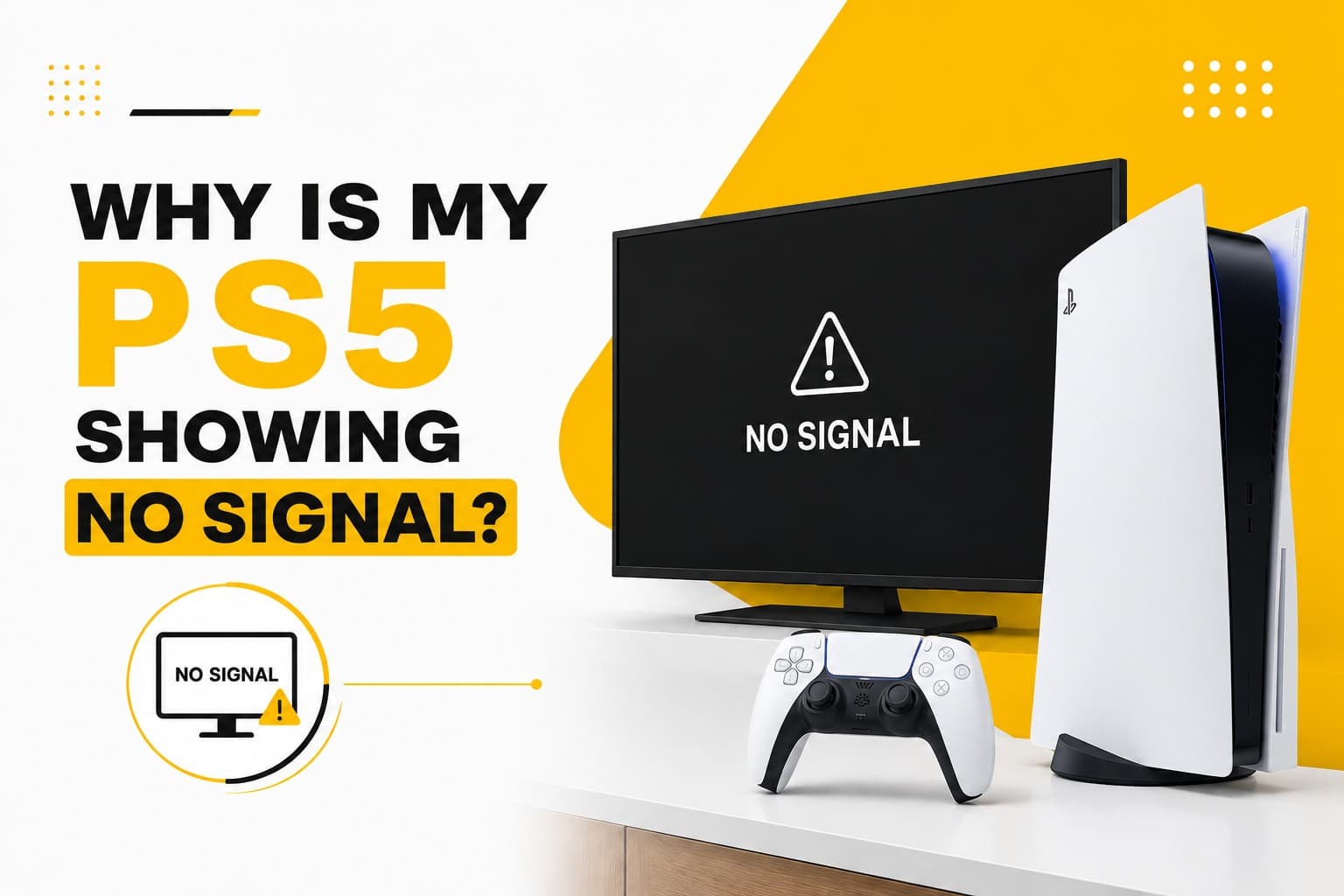
You settle in on the couch, grab your controller, hit the power button, and wait for that familiar PlayStation startup sound—only for your TV screen to stay completely black with a frustrating "No Signal" box bouncing around. The console's lights are on, the fan is humming, but as far as your television is concerned, there’s nothing connected.
Before assuming the worst, it helps to narrow down the usual physical culprits:
- Faulty or outdated HDMI cables: High-bandwidth PS5 signals require a solid Ultra High Speed HDMI 2.1 cable; older or pinched cords often drop the signal completely.
- Loose or bent HDMI ports: The PS5's display port can easily suffer strain if the console is moved frequently or if the cable gets yanked accidentally.
- TV input confusion: Modern smart TVs sometimes fail to auto-detect the console or get stuck on the wrong source settings, particularly after firmware updates.
- Resolution or handshaking mismatches: Software handshake glitches between the console's HDR/4K settings and your TV’s display processing.
- Display circuit failure: Internal encoder chip (Panasonic IC) faults on the motherboard that prevent the video signal from processing even if the physical port looks fine.
Start by ruling out the quick fixes. Unplug the HDMI cable from both ends and plug it back in firmly, swap to a different HDMI port on your TV, or test the console on a secondary monitor in another room. You can also try booting your PS5 into Safe Mode by holding the power button until you hear a second beep, which forces the console to output a basic 1080p signal.
If you’ve tried multiple cables and screens with no luck, or if the HDMI port feels loose and wobbly when you touch it, the issue is likely hardware-related. PRC Repair provides full PS5 display diagnostics, replacing damaged HDMI ports and repairing internal video processing chips to get your games back on the big screen.
Why won’t my PS5 turn on?
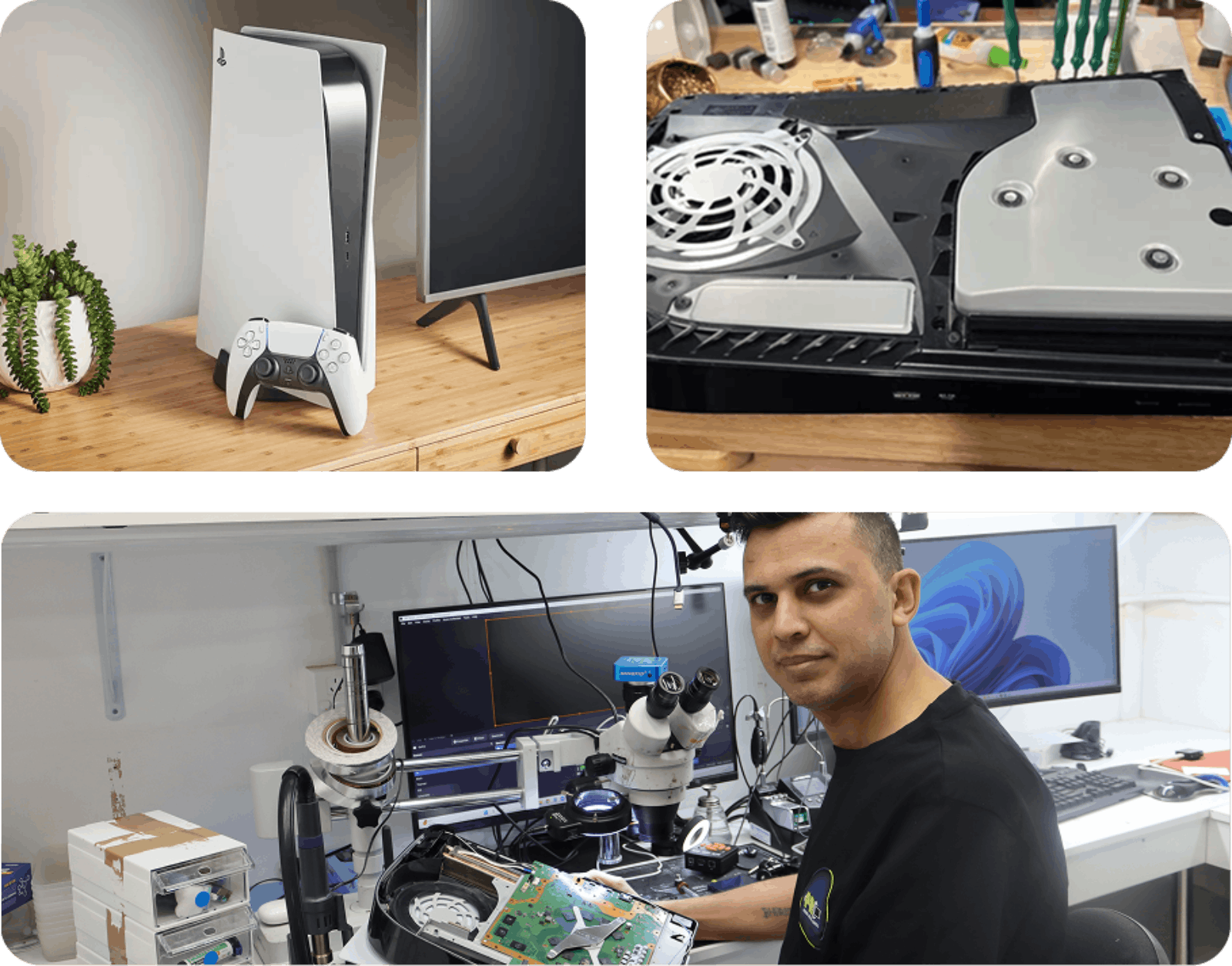
Pressing the power button on your PS5 and getting absolute silence—no beep, no blue light, no fan spin—is enough to ruin any evening. It’s an immediate dead end that leaves you wondering if a storm surge wiped out the power supply or if something failed internally overnight.
When a PS5 goes completely silent, the root cause usually boils down to a few core hardware areas:
- Blown power supply unit (PSU): Internal power supply failures caused by unexpected power spikes or thermal wear over time.
- Blown board fuses or capacitors: Short circuits on the main motherboard that trigger safety cut-offs to protect sensitive microprocessors.
- Physical port or cable damage: Simple wear and tear on the main power cord inlet or wall socket.
- Standby power circuit failure: The low-voltage circuit responsible for listening for controller inputs and button presses failing to trigger the main power rails.
- Liquid metal or moisture exposure: Internal shorting caused by severe impacts or liquid ingress ruining critical power traces.
Before sending it in for work, run through basic power checks. Swap out the figure-eight power cable with another one (many household electronics use the exact same cable format), try plugging directly into a wall outlet rather than an overloaded power board, and leave the console unplugged from the wall for 15 minutes to let the internal capacitors fully drain.
If the machine stays completely dead after a hard power reset, pressing the button repeatedly won't bring it back. The good news is that a non-responsive PS5 rarely means the whole console is trash. PRC Repair handles board-level component replacements, swapping out dead power supply units and shorted motherboard chips to restore full power safely.
Why is my PS5 overheating and shutting down?
If your PS5 sounds like a jet engine taking off during an intense match, or suddenly cuts off completely without warning after 20 minutes of play, it’s fighting a heat problem. Modern consoles pack immense graphical horsepower into a tight space, and when that heat has nowhere to go, built-in thermal safety features shut the system down to prevent permanent processor damage.
Unusual heat buildup generally traces back to physical blockages or cooling system decay:
- Dense dust mats: Lint and pet hair building up over time, blocking the primary intake vents and choking the main radiator fins.
- Enclosed space traps: Keeping the console inside closed media cabinets, tight shelving, or right up against a wall where exhaust air recirculates.
- Liquid metal displacement: The PS5 uses custom liquid metal thermal interface material between the APU and heatsink; physical drops or manufacturing gaps can cause dry spots, leading to massive heat spikes.
- Cooling fan failure: Bearing wear or electrical faults causing the main intake fan to spin at reduced speeds or stop entirely.
- Power supply ventilation clog: Dust clogging the dedicated airflow cutouts for the bottom-mounted power supply module.
To help your console breathe, move it out to an open area with at least 10–15 centimeters of clear space on all sides. You can also carefully pop off the white plastic side plates to inspect the dust catchers and vacuum out surface-level buildup. Never put a hot console in an enclosed cabinet or use compressed air cans recklessly, as this can push dust deeper into the internal heatsink fins.
If your console continues to throw temperature warnings or shuts down cleanly after short gaming sessions, deeper maintenance is required. PRC Repair offers complete PS5 thermal servicing, thoroughly clearing internal heatsinks, inspecting cooling fans, and re-balancing liquid metal compounds to restore whisper-quiet performance.
Why is my PS5 HDMI not working?
The HDMI port on the back of your PS5 is one of its most hard-working and vulnerable physical points. Because the console is heavy and cables are stiff, a small bump while rearranging your entertainment unit—or a pet tripping over a cord—can easily snap internal pins or break the solder joints connecting the port to the motherboard.
Signs that your PS5's HDMI port has sustained physical or electrical damage include:
- Intermittent screen flickering: The image cutting out or flashing black whenever the console or cable is touched.
- Visual artifacts: Strange static, colored dots, or white lines running across the screen.
- Unstable resolution support: The console locking itself to low resolutions (like 480p or 720p) and refusing to output 4K or HDR.
- A loose connection: The HDMI cable feeling wobbly, dropping down, or failing to seat fully into the socket.
- Visible pin damage: Looking into the port with a torch and seeing bent, missing, or pushed-back gold contacts.
If your picture flickers, test a secondary High Speed HDMI cable first to ensure the wire itself isn't internally frayed. However, if you see bent pins inside the port, stop plugging cables into it immediately—forcing a connector into a damaged port can bridge voltage pins and destroy the video encoder chip right behind it.
Replacing a PS5 HDMI port isn't a quick DIY job with a screwdriver. The port is surface-mounted to the main logic board with dozens of microscopic solder joints. At PRC Repair, our technicians use professional hot-air rework stations and precision micro-soldering tools to remove damaged sockets and install reinforced HDMI ports that stand up to daily use.
Why is my PS5 not reading discs?
You slide a brand-new game or Blu-ray movie into your PS5 disc drive, wait for the tile to pop up on your home screen, and... nothing happens. Or worse, the drive makes loud grinding, clicking, or high-pitched whirring sounds before spitting the disc back out or getting stuck altogether.
Disc drive issues usually stem from mechanical alignment failures or optical degradation:
- Dirty or scratched optical lenses: Dust film or smudges on the internal laser lens preventing it from reading the fine data layer on Blu-ray discs.
- Worn drive motors or gears: Mechanical wear in the spindle motor or gear track preventing the disc from spinning at full speed.
- Roller misalignment: Dirty or displaced rubber intake rollers that fail to grab discs properly or cause loading jams.
- Laser diode decay: The laser module losing intensity over time, causing it to read older DVDs fine while failing on high-density 4K UHD Blu-ray discs.
- Daughterboard logic mismatches: Communication errors between the disc drive controller board and the main motherboard.
Start with the simplest check: clean your game disc thoroughly with a soft microfiber cloth, wiping from the center out to the edge. Also double-check that you're inserting the disc in the correct orientation—when the PS5 is sitting vertically, the printed label side of the disc should face left toward the center of the console.
If clean discs fail to load across multiple games, avoid forcing discs into the slot or shaking the console to clear a jam. PRC Repair services PS5 optical drives directly, fixing mechanical feed issues, replacing worn laser assemblies, and repairing drive controller circuits to keep your physical collection playable.
Is Your PS5 Worth Repairing or Should You Replace It?
When a PS5 starts acting up, the first thought is often, “Is it time to buy a new console?” Not necessarily. Many PS5 problems are caused by individual components that can be diagnosed and repaired without replacing the entire system.
A professional repair may be worthwhile when you're dealing with:
- HDMI problems: No signal, black screen, flickering display or a loose HDMI connection.
- Power failures: The console won't turn on or shows no signs of power.
- Overheating: Excessive fan noise, high temperatures or unexpected shutdowns during gaming.
- Blue Light of Death: The console remains stuck during startup and fails to boot normally.
- Disc drive faults: Games aren't recognised, discs won't eject or the drive makes unusual noises.
- Software and boot problems: Crashes, update failures or repeated startup issues.
- Internal motherboard faults: Component, power-rail or other board-level problems requiring specialist diagnosis.
Trying to repair a PS5 without the appropriate tools can turn a manageable fault into much more expensive motherboard damage. A professional technician can inspect the console, identify the underlying problem and determine whether repair is a practical option.
PRC Repair offers professional PS5 repair services, including HDMI port repair, no-power repairs, overheating and cooling services, disc drive repairs, Blue Light of Death diagnostics, motherboard repairs and advanced micro-soldering.
Whether your PS5 suddenly stopped displaying an image or simply refuses to turn on, PRC Repair can diagnose the problem and help get your console back in the game.
Why Choose PRC Repair for PS5 Repair?
A broken console doesn't have to mean buying an expensive brand-new system or abandoning your digital game library and saved progress. Modern gaming hardware is complex, but with the right diagnostic tools and micro-repair techniques, the vast majority of common PS5 faults are fully fixable.
At PRC Repair, we handle everything from basic maintenance to complex board repairs under one roof:
- Precise micro-soldering: HDMI port replacements, chip swaps, and trace repairs done under high-magnification optics.
- Deep diagnostics: Advanced power-rail testing and thermal profiling to find the true root cause, not just obvious symptoms.
- Quality replacement components: High-grade parts designed to match original factory specifications for long-term reliability.
- Data protection focus: Keeping your saved games, installed titles, and account setups intact whenever hardware repairs allow.
- Clear, honest guidance: Upfront advice on repair viability so you can make an informed decision about your console.
Whether your PS5 is sitting on a black screen, overheating during intense raids, refusing to take discs, or completely dead to the world, our team has the hands-on experience to fix it properly. Reach out to PRC Repair to get your console professionally inspected and back in the game.
Express Phone Repair & Protective Accessories Near Me: Western Sydney & North West Sydney
Looking for fast, walk-in phone repairs or durable device protection near Sydney & Surrounding Suburbs? Phone Repair Centre operates two dedicated Sydney locations: our flagship diagnostic laboratory at 122 Queen Street, St Marys, and our express kiosk at Schofields Village. We combine 30-minute hardware fixes with complimentary bubble-free screen protector application and premium mobile accessories in stock every day.
Express Walk-in Repairs (30 to 45 Mins)
- Screen & OLED Replacement: iPhone, Samsung Galaxy, Google Pixel, and iPad display renewals with True Tone preservation.
- Battery Renewal: High-capacity replacement cells installed same-day with store warranty.
- Charging Port & Audio Fixes: USB-C and Lightning port cleaning, debris removal, or micro-soldering replacement.
- Laser Back Glass Repair: Clean rear glass replacement with factory-tight seal alignment.
- Strict Zero Data Loss: Your photos, banking apps, and personal data stay untouched throughout the repair.
In-Store Protection & Accessories
- Free Screen Protector Fitting: 9H tempered glass, anti-peeping privacy protectors, and hydrogel films applied bubble-free by our technicians.
- Drop-Proof & MagSafe Cases: Shock-absorbent military-grade covers, crystal-clear cases, and magnetic wallet folios for all popular models.
- High-Speed Power & Cables: 20W to 65W Power Delivery (PD) wall adapters, braided USB-C and Lightning cables, and magnetic wireless car mounts.
- Camera Lens Armor: Scratch-resistant sapphire glass lens protectors for multi-lens camera systems.
- Instant PayID Phone Buyback Desk (St Marys): 10-minute Osko PayID bank payout or +$50 AUD PRC Store Credit for unlocked or cracked phones if you prefer to sell or trade in rather than repair.
Drive Times & Proximity Catchment
St Marys Workshop (Western Sydney Hub):
• Penrith: 10 mins via Great Western Highway
• Mount Druitt: 6 mins via Carlisle Avenue
• Blacktown: 15 mins via M4 or Great Western Highway
• St Clair & Erskine Park: 7 mins via Bennett Road
Schofields Express (North West Sydney Hub):
• Rouse Hill & The Ponds: 6 to 8 mins via Schofields Road
• Tallawong & Box Hill: 5 to 9 mins via Boundary Road
• Marsden Park: 8 mins via Richmond Road
• Kellyville & Stanhope Gardens: 10 mins
Quick Answer: Where can I find phone repair, starting-from prices, and exact part tier quotes in Sydney & Surrounding Suburbs?
Phone Repair Centre offers same-day walk-in repairs at 122 Queen Street, St Marys (standalone street-front shop on Queen Street, phone (02) 8678 3298) and express repairs 7 days a week at Schofields Village (Kiosk 1/227 Railway Terrace, phone (02) 7238 1732). Screen repairs start from $85 AUD (iPhone) and $119 AUD (Samsung/iPad), batteries from $79 AUD, PS5 HDMI micro-soldering $169 AUD, and diagnostics $88 upfront (credited if proceeding). Because we stock Tested Quality Aftermarket / Incell, Premium Soft OLED, and OEM / Refurbished display options on our website, chat with Sam 24/7 via Website Live Chat (/instant-quote), WhatsApp (+1 555-955-6234), Facebook Messenger, or Instagram Direct for your exact tier-by-tier quote.


