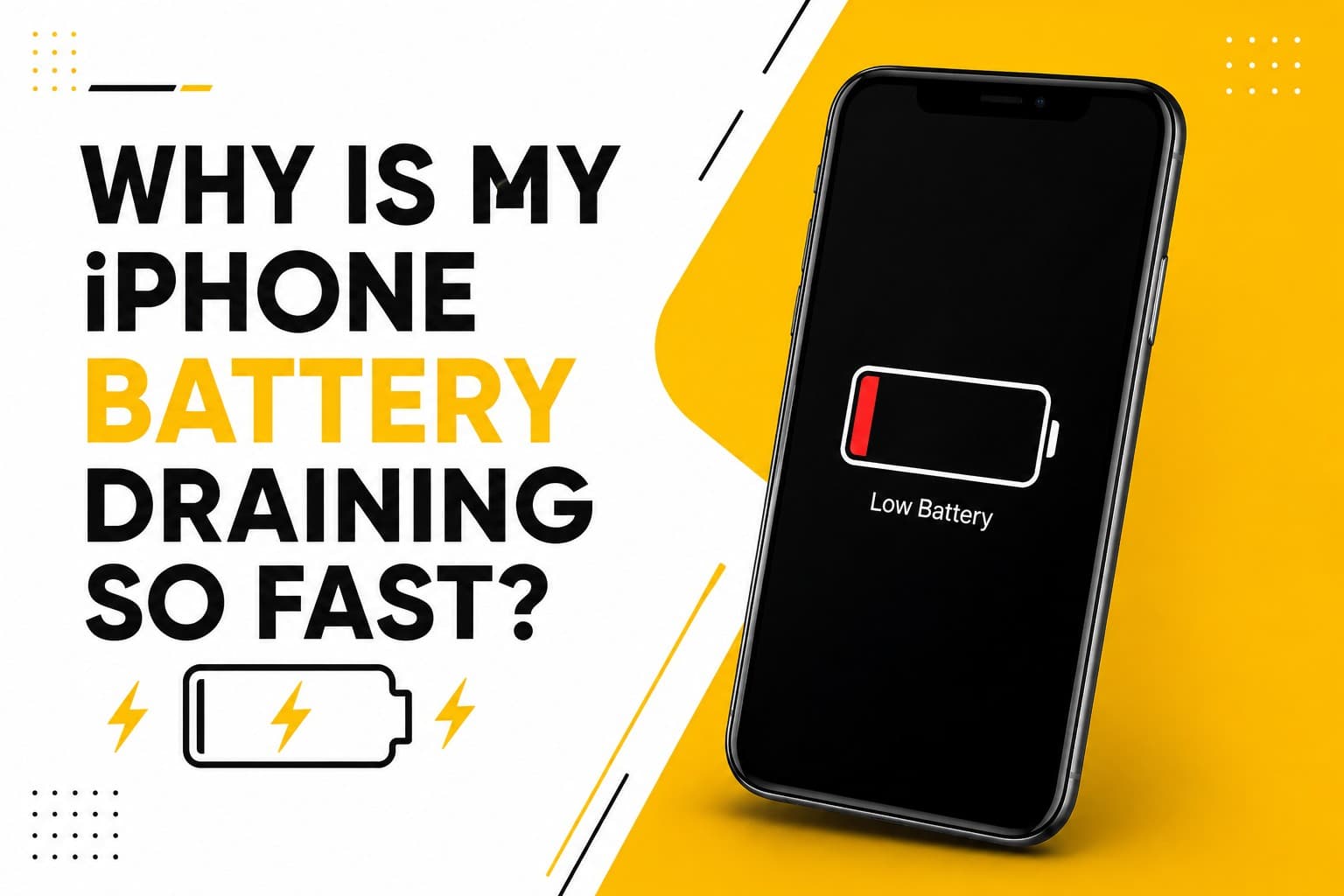
We’ve all been there: you glance down at your battery icon at 11:00 AM, and it’s already sitting at a stressful 42%. Suddenly, you're calculating whether you can make it through the workday without a charger, or if you'll be anchored to a wall outlet on your lunch break. When an iPhone starts losing juice that quickly, it turns a tool you rely on into a constant source of low-level anxiety.
While it's easy to blame yourself for scrolling a bit too long on social media, rapid battery drain is often caused by things happening behind the scenes:
- Natural aging: Over time, lithium-ion batteries lose their ability to hold a full charge, no matter how carefully you use them.
- Background app activity: Applications refreshing data or fetching updates even when you aren't actively using them.
- Screen demands: High brightness levels paired with long auto-lock intervals.
- Network strain: Your phone pushing extra power to maintain a connection in areas with weak cellular reception.
- Continuous location tracking: Navigation tools or weather apps pinging your GPS in the background non-stop.
- Software glitches: Bugs in a recent iOS update causing the processor to run hotter and harder than necessary.
- Hardware degradation: Internal components drawing more power than they should due to wear or subtle damage.
A quick trip to Settings → Battery → Battery Health & Charging will give you a clear look at your phone's maximum capacity. If that number has dipped into the low 80s—or if your phone has started shutting down out of nowhere—the battery itself is likely at the end of its lifespan.
At PRC Repair, we run thorough diagnostics to pinpoint exact battery health. Sometimes a simple, professional battery swap is all it takes to make your phone feel brand new again, while other times we can help you trace power drain back to a deeper internal component issue.
Why Is My iPhone Not Charging?
You plug your cable in, set the phone on your nightstand, and head to sleep—only to wake up to a dead device and a silent alarm. Or maybe you've found yourself gently wiggling the cord at a very specific 45-degree angle just to get that little lightning bolt to appear. It's frustrating, but charging failures are actually among the most common issues we see.
The culprit usually comes down to one of a few usual suspects:
- Debris in the port: Pockets are full of lint, dirt, and dust that get packed tight into the charging port every time you plug a cable in.
- Worn accessories: Frayed cables, bent pins, or third-party wall adapters that have stopped delivering steady voltage.
- Physical port damage: Internal metal contacts that have been bent, corroded, or loosened over time.
- Battery collapse: A battery that has degraded so severely it can no longer accept a charge.
- Liquid exposure: Residual moisture triggering safety lockouts or causing subtle corrosion on the connector pins.
- Logic board issues: Damage to the internal tristar or charging control circuits that tell the phone how to draw power.
Before bringing it in, try testing the phone with a known working, original Apple cable and wall plug. If the connection feels loose or spongy, resist the temptation to poke around inside with a paperclip or safety pin. The microscopic pins inside that port are surprisingly delicate, and a metal tool can easily snap them or cause a short.
If a fresh cable doesn't do the trick, PRC Repair can safely inspect and clean your port, replace damaged charging assemblies, or diagnose deeper board-level power issues.
Why Is My iPhone Overheating? Causes, Fixes & When to Get It Repaired
It's completely normal for your iPhone to feel warm when you’re pushing it hard—like streaming high-definition video in the sun, recording long 4K clips, or playing graphics-heavy games. But if your phone starts getting uncomfortably hot during a basic phone call or while sitting idle on a desk, your hardware is trying to tell you something.
Excessive heat usually stems from a bottleneck somewhere in the system:
- Degraded batteries: Old batteries generate significantly more resistance and heat during routine charge cycles.
- Runaway background tasks: Software loops where an app gets stuck trying to process data, overloading the CPU.
- Faulty charging setups: Off-brand chargers delivering inconsistent voltage that cooks the internal circuitry.
- Environmental factors: Leaving the phone on a car dashboard or under a pillow while charging.
- Internal hardware faults: A short circuit on the motherboard drawing excessive current and generating intense spot-heat.
If your phone throws an temperature warning, move it out of direct sunlight, unplug the charger, and close out of demanding apps. Let it cool down gradually at room temperature—never pop a hot phone into the fridge or freezer, as the sudden temperature drop creates internal condensation that can ruin the electronics.
When overheating becomes a daily occurrence, particularly when paired with rapid battery drain, bringing it to a specialist is the safest move. PRC Repair looks beyond the surface symptoms to find out whether a failing battery, a corrupted system file, or a damaged board chip is causing the burn.
Why Won't My iPhone Turn On?
There aren't many device moments worse than pressing the side button and being met with a completely blank, lifeless screen. Whether it happened overnight or right after a sudden drop, a unresponsive iPhone can make you feel completely disconnected.
A total black screen doesn't always mean the phone is entirely dead. It could be caused by:
- Deep battery discharge: A battery drained so far below its threshold that it takes 15–20 minutes on a charger just to display the boot screen.
- Software crash: iOS hanging in a state where the display is off but the internal system is stuck in a loop.
- Display panel failure: The phone is actually turning on, ringing, and vibrating, but the screen itself isn't outputting light or imagery.
- Water or liquid damage: Moisture bridging electrical connections and preventing the power sequence from starting.
- Motherboard hardware faults: Failure within the main power management IC or critical system traces.
You can try a quick sanity check at home: plug the device into a wall outlet you know works and give it 20 minutes. After that, attempt a force restart using the physical button combination for your specific model (for newer models, press Volume Up, press Volume Down, then hold the Side Button until the Apple logo appears).
If you hear notification chimes or feel key vibrations but see no picture, your phone is likely alive—it just needs a new display. If it remains completely silent and cold, PRC Repair offers micro-soldering and advanced diagnostics to trace power delivery through the motherboard and bring dead devices back to life.
Why Is My iPhone Screen Not Responding?
You go to answer a call or swipe away a notification, and the glass simply ignores your finger. A frozen, erratic, or unresponsive touchscreen breaks the fundamental way you interact with your device, rendering even simple tasks almost impossible.
When touch stops registering—or starts tapping things on its own ("ghost touches")—it usually points to:
- Physical impact damage: Microscopic fractures in the touch-sensing layer (digitizer) beneath the top glass, even if the outer glass isn't shattered.
- Connector separation: The fine ribbon cables linking the screen to the logic board coming slightly unseated after a drop.
- Liquid seepage: Water getting past the seals and shorting the touch-grid traces.
- Software freezes: A temporary system lockup where the phone stops accepting user inputs.
- Subpar previous repairs: Low-quality aftermarket replacement screens that fail after a few months of normal use.
If a basic hard restart doesn't resolve the freeze, try to avoid pressing heavily on the glass, as extra pressure can damage underlying components or cause cracked glass to splinter further.
At PRC Repair, we carefully check whether the issue is a simple matter of a loose connection, a failed digitizer layer, or a chip-level touch controller problem, getting your screen back to smooth, precise responsiveness.
Why Is Face ID Not Working on My iPhone?
Face ID feels seamless right up until the moment it stops recognizing your face, forcing you to type in your passcode every single time you pay for something or unlock your screen. Because Face ID relies on a complex cluster of sensors—including an infrared camera, dot projector, and flood illuminator—it’s remarkably sensitive to small physical disruptions.
Common triggers for Face ID failure include:
- Sensor misalignment or damage: A drop that shifts or cracks the delicate TrueDepth camera array at the top of the screen.
- Liquid ingress: Water entering the top earpiece speaker mesh and shorting the dot projector.
- Post-repair complications: Screen replacements done without specialized tools, which can permanently break the encrypted pairing between Face ID modules and the phone's board.
- Sensor blockages: Heavy-duty screen protectors or accumulated grime covering the top notch or Dynamic Island area.
If wiping down the top glass area and resetting your Face ID settings doesn't fix the issue, you’re likely dealing with a hardware-level sensor fault.
Because Face ID components are cryptographically tied to your specific iPhone logic board for security, repairing them requires specialized tools and expertise. PRC Repair provides dedicated Face ID diagnostics to figure out if the module can be safely restored without compromising your device's security.
When Should You Get Your iPhone Professionally Repaired?
It’s always worth trying the simple fixes first. A software update, clearing out old storage files, adjusting screen timeout settings, or swapping out a frayed cable can solve a surprising number of minor phone quirks right at your kitchen table.
However, there’s a clear line where DIY troubleshooting stops and professional care becomes necessary. You should seek expert repair when you're dealing with:
- Visible screen cracks, bleeding colors, or touch dead-zones
- Batteries that drain in a matter of hours or swell up behind the glass
- Charging ports that only work at strange angles or won't hold a cable
- Liquid spills, dunks, or steam exposure
- Persistent overheating accompanied by rapid power loss
- Total power failure where the device remains cold and unresponsive
- Hardware error messages regarding Face ID or camera modules
Modern smartphones are tightly packed engineering marvels sealed with sensitive adhesives, delicate flex cables, and micro-scale components. Trying to pry open an iPhone without the right equipment or experience often turns a straightforward screen or battery swap into an expensive motherboard repair. Knowing when to hand it off saves you time, stress, and money in the long run.
Why Choose PRC Repair?
Your phone holds much more than just glass and circuit boards. It contains photos from family holidays you haven't backed up yet, important work messages, travel passes, and the daily notes that keep your week organized. We understand that leaving your device at a shop isn't just about fixing hardware—it's about getting your daily life back on track without losing what matters.
At PRC Repair, we take a thorough, honest approach to fixing tech. Rather than just swapping parts until something works, our technicians run deep diagnostics to understand why a fault happened in the first place. Whether it's a routine battery replacement, a cracked display, water damage restoration, or intricate micro-soldering on the motherboard, we focus on durable, high-quality repairs that keep your phone in your hands for years to come.
Before you consider spending hundreds or thousands on a brand-new phone, let's see if your current one can be restored. Reach out to PRC Repair for dependable, professional iPhone repair services right across Australia.
Express Phone Repair & Protective Accessories Near Me: Western Sydney & North West Sydney
Looking for fast, walk-in phone repairs or durable device protection near Sydney & Surrounding Suburbs? Phone Repair Centre operates two dedicated Sydney locations: our flagship diagnostic laboratory at 122 Queen Street, St Marys, and our express kiosk at Schofields Village. We combine 30-minute hardware fixes with complimentary bubble-free screen protector application and premium mobile accessories in stock every day.
Express Walk-in Repairs (30 to 45 Mins)
- Screen & OLED Replacement: iPhone, Samsung Galaxy, Google Pixel, and iPad display renewals with True Tone preservation.
- Battery Renewal: High-capacity replacement cells installed same-day with store warranty.
- Charging Port & Audio Fixes: USB-C and Lightning port cleaning, debris removal, or micro-soldering replacement.
- Laser Back Glass Repair: Clean rear glass replacement with factory-tight seal alignment.
- Strict Zero Data Loss: Your photos, banking apps, and personal data stay untouched throughout the repair.
In-Store Protection & Accessories
- Free Screen Protector Fitting: 9H tempered glass, anti-peeping privacy protectors, and hydrogel films applied bubble-free by our technicians.
- Drop-Proof & MagSafe Cases: Shock-absorbent military-grade covers, crystal-clear cases, and magnetic wallet folios for all popular models.
- High-Speed Power & Cables: 20W to 65W Power Delivery (PD) wall adapters, braided USB-C and Lightning cables, and magnetic wireless car mounts.
- Camera Lens Armor: Scratch-resistant sapphire glass lens protectors for multi-lens camera systems.
- Instant PayID Phone Buyback Desk (St Marys): 10-minute Osko PayID bank payout or +$50 AUD PRC Store Credit for unlocked or cracked phones if you prefer to sell or trade in rather than repair.
Drive Times & Proximity Catchment
St Marys Workshop (Western Sydney Hub):
• Penrith: 10 mins via Great Western Highway
• Mount Druitt: 6 mins via Carlisle Avenue
• Blacktown: 15 mins via M4 or Great Western Highway
• St Clair & Erskine Park: 7 mins via Bennett Road
Schofields Express (North West Sydney Hub):
• Rouse Hill & The Ponds: 6 to 8 mins via Schofields Road
• Tallawong & Box Hill: 5 to 9 mins via Boundary Road
• Marsden Park: 8 mins via Richmond Road
• Kellyville & Stanhope Gardens: 10 mins
Quick Answer: Where can I find phone repair, starting-from prices, and exact part tier quotes in Sydney & Surrounding Suburbs?
Phone Repair Centre offers same-day walk-in repairs at 122 Queen Street, St Marys (standalone street-front shop on Queen Street, phone (02) 8678 3298) and express repairs 7 days a week at Schofields Village (Kiosk 1/227 Railway Terrace, phone (02) 7238 1732). Screen repairs start from $85 AUD (iPhone) and $119 AUD (Samsung/iPad), batteries from $79 AUD, PS5 HDMI micro-soldering $169 AUD, and diagnostics $88 upfront (credited if proceeding). Because we stock Tested Quality Aftermarket / Incell, Premium Soft OLED, and OEM / Refurbished display options on our website, chat with Sam 24/7 via Website Live Chat (/instant-quote), WhatsApp (+1 555-955-6234), Facebook Messenger, or Instagram Direct for your exact tier-by-tier quote.


