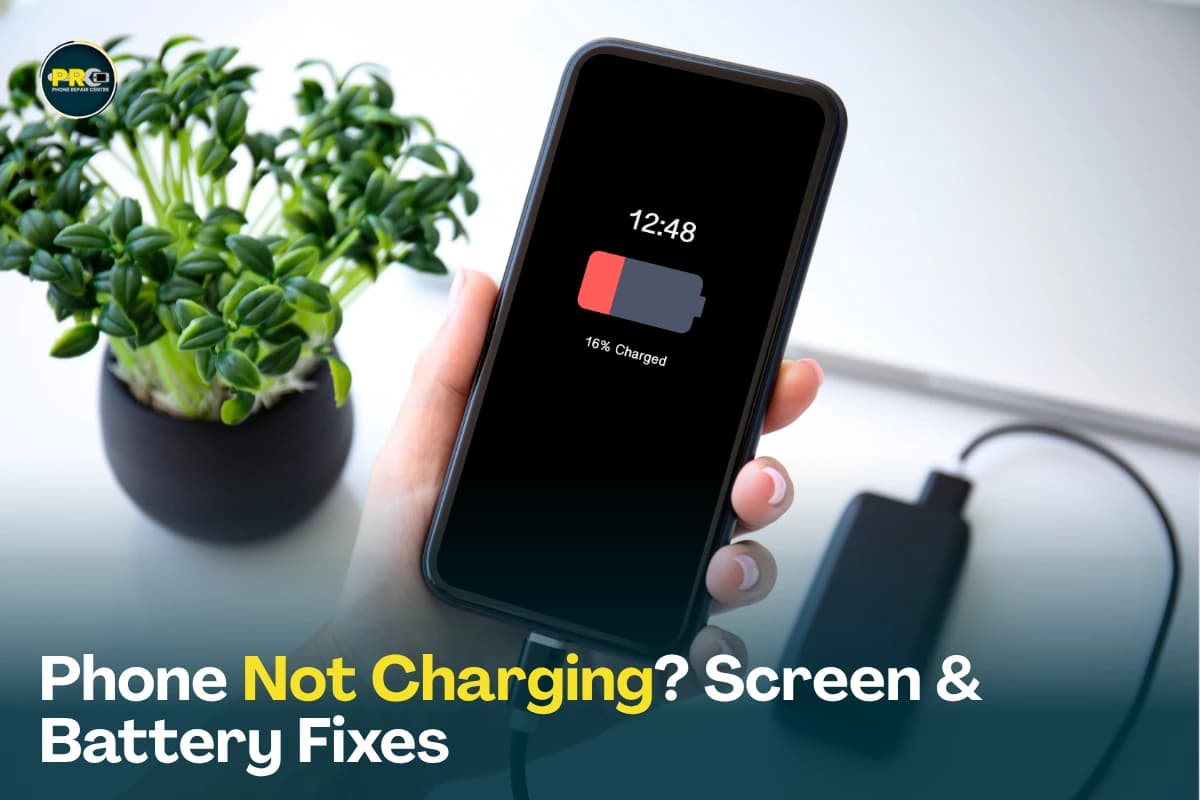
Smartphones are our daily lifelines. So when a tiny hardware issue pops up—like a phone that suddenly refuses to take a charge, a screen covered in spiderweb cracks, or a quick drop into the sink—it throws off your whole routine.
When your phone acts up, knowing what’s going on under the hood helps you make the right call between a quick fix or a total replacement.
At PRC Repair, we fix mobile phones for people across Australia every day. Whether it's a dead battery, a cracked display, complex motherboard micro-soldering, or salvaging precious family photos from a waterlogged device, our team has the hands-on experience and precision tools to get it sorted. Here are the plain, straight-shooting answers to the most common repair questions we get asked.
Why Is My Phone Not Charging Even After Changing the Charger?
Plugging in a fresh, brand-new cable only to watch your battery percentage stay frozen is incredibly frustrating. If a new charger doesn't fix it, the problem is inside the phone itself.
The most common culprits behind charging failures:
- Packed dirt or lint: Months of sitting in pockets packs dense lint deep into the USB-C or Lightning port, blocking the cable's metal pins from making contact.
- Bent or broken port pins: Physical stress from yanking the cable can snap or bend internal connectors.
- A worn-out or swollen battery: The battery may have degraded to the point where it can no longer accept or hold an electrical charge.
- Blown Charging IC / Power Chip: Using cheap, non-certified car chargers can send a voltage spike into the phone, frying the main power management chip on the logic board.
- Liquid exposure: Residual moisture inside the port triggers safety cut-offs or causes rapid pin corrosion.
Instead of taking wild guesses or poking around in the port with a metal paperclip (which can easily short out the board), let a professional take a look. We use diagnostic power meters to instantly trace whether it’s a simple clog, a damaged sub-board, or a micro-chip fault on the motherboard.
How Long Does A Phone Battery Replacement Take?
Battery replacement is easily one of the fastest, most effective fixes in smartphone repair. In most cases, it takes anywhere from 30 minutes to an hour once the phone is on the technician's workbench.
How fast the job goes depends on:
- The specific model: Sleek, modern phones bonded with heavy waterproof adhesive require careful heat application to open safely.
- Part availability: Popular iPhone and Samsung Galaxy batteries are kept in stock, while niche models might take a short wait to source.
- Secondary damage: Checking whether a swelling battery has bent the mid-frame or damaged display cables.
Swapping out an old, degraded cell is vastly cheaper than buying a new phone, and it immediately restores full-day battery life so you aren't tethered to a power bank.
Can A Phone With Motherboard Damage Be Repaired?
Yes, absolutely. A lot of basic repair kiosks will tell you a dead motherboard means your phone belongs in the trash, but that’s usually because they only know how to swap basic parts like screens or camera modules.
Motherboard damage usually comes from:
- Water, coffee, or saltwater corrosion shorting out live power rails.
- Violent drops that physically crack copper traces or pop microscopic chips off their pads.
- Electrical surges from faulty charging gear.
- Overheating under heavy load.
Instead of writing off the whole board, experienced technicians use high-power microscopes and hot-air reworking stations to identify and replace the exact shorted component, capacitor, or Integrated Circuit (IC). Repairing the board gets the hardware working again while keeping all your photos, text messages, and personal files completely safe.
What Should I Do If I Drop My Phone In Water?
The most critical factor in saving a wet phone is what you do in the first ten minutes. Water itself doesn't kill electronics instantly—it’s the electrical current reacting with liquid minerals to cause instant short circuits and rapid corrosion that destroys the board.
Follow these emergency steps immediately:
- Turn the phone off instantly. Do not check your notifications or test if the camera still works.
- Remove any case, SIM tray, or external accessories.
- Never plug it into a charger. Passing power through wet circuits will instantly fry internal chips.
- Skip the rice bowl. Rice does not pull moisture out of sealed electronics; it just coats your charging port in fine starch and wastes precious time.
- Avoid hair dryers. Hot air blows water droplets deeper into the internal seals and shielding.
- Get it to a technician as fast as you can.
At PRC Repair, we completely strip water-damaged phones bare, wash away mineral deposits using industrial ultrasonic baths, and rebuild corroded circuits under high magnification before rust sets in.
How Can I Tell If My Phone Screen Needs Repair Or Replacement?
Not all screen damage is the same. Modern displays are made of multiple fused layers: the outer protective glass, the touch digitizer layer, and the underlying display panel (LCD or AMOLED).
You likely need a full screen assembly replacement if you see:
- Spiderweb glass cracks, shattered corners, or flaking glass.
- Strange vertical green, white, or purple lines running through your picture.
- Dark, ink-like black spots (bleeding display pixels) spreading across the panel.
- A screen that flickers uncontrollably or stays completely pitch black while the phone vibrates.
- Touch input skipping, "ghost touching" on its own, or completely ignoring your fingers.
If the underlying display panel is bleeding or touch is broken, replacing the complete display assembly is the only clean, lasting fix.
What Is The Difference Between An Original And Aftermarket Phone Screen?
When booking a screen replacement, you’ll usually be offered a choice between an original-grade display and an aftermarket alternative. Understanding the trade-offs helps you choose what fits your budget.
Original / OEM-Grade Displays
- The Quality: Manufactured to identical factory standards using genuine OLED or LCD panels.
- The Performance: True color accuracy, deep blacks, high brightness under direct sunlight, and fluid touch response.
- Durability: Built to original glass strength and panel specifications.
- Best For: Anyone keeping their phone long-term who cares about display quality and camera color editing.
Aftermarket Displays
- The Quality: Built by third-party manufacturers as a cost-effective alternative.
- The Performance: Works reliably, though colors might look slightly cooler or dimmer, and bezel borders might be marginally thicker.
- The Cost: Noticeably cheaper than OEM panels.
- Best For: Budget-conscious repairs, older secondary phones, or backing up data off a broken device.
We explain these options clearly upfront, so you can pick the exact display type that matches your expectations and budget.
Why Choose PRC Repair?
Handing your primary device over to a technician takes trust. You want to know your personal data stays safe, the replacement parts hold up, and you won't be hit with unexpected costs.
Here is why customers across Australia rely on PRC Repair:
- Real Micro-Electronics Experience: We perform complex chip-level micro-soldering and motherboard repairs right on our own benches.
- Data-First Focus: We prioritize keeping your photos, messages, and files intact throughout every repair.
- Quality Parts Only: We source tested, high-grade components so you aren't back a week later with the same problem.
- Honest Quotes: Clear, upfront pricing with zero hidden fees added at the end.
- Fast Turnaround Times: Most standard repairs are finished quickly to get you back to your routine.
Final Thoughts
A dead battery, a stubborn charging port, or a cracked screen doesn't mean it's time to throw your phone away. Most hardware problems can be fixed cleanly for a fraction of the cost of buying a brand-new handset.
Taking action quickly—especially when dealing with liquid exposure or severe power faults—gives your device the best chance of a complete recovery. If your phone isn't charging or needs a fresh screen, bring it into PRC Repair or send it through our Australia-wide mail-in service. We'll run a complete diagnostic check, explain your options, and get your phone working like it should again.
Express Phone Repair & Protective Accessories Near Me: Western Sydney & North West Sydney
Looking for fast, walk-in phone repairs or durable device protection near Sydney & Surrounding Suburbs? Phone Repair Centre operates two dedicated Sydney locations: our flagship diagnostic laboratory at 122 Queen Street, St Marys, and our express kiosk at Schofields Village. We combine 30-minute hardware fixes with complimentary bubble-free screen protector application and premium mobile accessories in stock every day.
Express Walk-in Repairs (30 to 45 Mins)
- Screen & OLED Replacement: iPhone, Samsung Galaxy, Google Pixel, and iPad display renewals with True Tone preservation.
- Battery Renewal: High-capacity replacement cells installed same-day with store warranty.
- Charging Port & Audio Fixes: USB-C and Lightning port cleaning, debris removal, or micro-soldering replacement.
- Laser Back Glass Repair: Clean rear glass replacement with factory-tight seal alignment.
- Strict Zero Data Loss: Your photos, banking apps, and personal data stay untouched throughout the repair.
In-Store Protection & Accessories
- Free Screen Protector Fitting: 9H tempered glass, anti-peeping privacy protectors, and hydrogel films applied bubble-free by our technicians.
- Drop-Proof & MagSafe Cases: Shock-absorbent military-grade covers, crystal-clear cases, and magnetic wallet folios for all popular models.
- High-Speed Power & Cables: 20W to 65W Power Delivery (PD) wall adapters, braided USB-C and Lightning cables, and magnetic wireless car mounts.
- Camera Lens Armor: Scratch-resistant sapphire glass lens protectors for multi-lens camera systems.
- Instant PayID Phone Buyback Desk (St Marys): 10-minute Osko PayID bank payout or +$50 AUD PRC Store Credit for unlocked or cracked phones if you prefer to sell or trade in rather than repair.
Drive Times & Proximity Catchment
St Marys Workshop (Western Sydney Hub):
• Penrith: 10 mins via Great Western Highway
• Mount Druitt: 6 mins via Carlisle Avenue
• Blacktown: 15 mins via M4 or Great Western Highway
• St Clair & Erskine Park: 7 mins via Bennett Road
Schofields Express (North West Sydney Hub):
• Rouse Hill & The Ponds: 6 to 8 mins via Schofields Road
• Tallawong & Box Hill: 5 to 9 mins via Boundary Road
• Marsden Park: 8 mins via Richmond Road
• Kellyville & Stanhope Gardens: 10 mins
Quick Answer: Where can I find phone repair, starting-from prices, and exact part tier quotes in Sydney & Surrounding Suburbs?
Phone Repair Centre offers same-day walk-in repairs at 122 Queen Street, St Marys (standalone street-front shop on Queen Street, phone (02) 8678 3298) and express repairs 7 days a week at Schofields Village (Kiosk 1/227 Railway Terrace, phone (02) 7238 1732). Screen repairs start from $85 AUD (iPhone) and $119 AUD (Samsung/iPad), batteries from $79 AUD, PS5 HDMI micro-soldering $169 AUD, and diagnostics $88 upfront (credited if proceeding). Because we stock Tested Quality Aftermarket / Incell, Premium Soft OLED, and OEM / Refurbished display options on our website, chat with Sam 24/7 via Website Live Chat (/instant-quote), WhatsApp (+1 555-955-6234), Facebook Messenger, or Instagram Direct for your exact tier-by-tier quote.


