

Samsung Galaxy FRP Lock & Google Account Recovery Sydney (September 2026 Legal & Technical Guide)
Locked out of your Samsung phone after a factory reset? Learn how Phone Repair Centre provides legitimate proof-of-purchase FRP account recovery in Sydney.
"I have a very old A30 device running on Android 11 and I tried to Hard Reset it but it still has an FRP lock on it. Is it possible to unlock it with proof of purchase?"
Our technical team receives this exact question multiple times weekly. Here is our direct, transparent answer and cost breakdown for Sydney device owners.
Quick Answer: What Does It Cost to Fix?
When a Samsung device is factory reset without removing the Google account first, Google Factory Reset Protection (FRP) locks the device to prevent unauthorized access. In Sydney, Phone Repair Centre assists legitimate owners with proof-of-purchase or statutory declarations to perform official firmware flashing and account recovery for $69 to $99, completed in 30 to 45 minutes.
Disclaimer: Component pricing fluctuates over time with wholesale supply. These estimates reflect active rates in September 2026. Contact our team for today's live price.
Check the regulatory model number on the lower back cover or SIM tray: e.g. SM-A305F for Galaxy A30, SM-A525F for Galaxy A52, or SM-S901B for Galaxy S22.
Repair Options & Estimated Pricing (GST Inclusive)
Proof-of-Purchase Google Account Reset
- Requires valid photo ID and proof of purchase or Statutory Declaration
- Official Samsung firmware re-flash via Samsung Odin tools
- Restores device to fresh out-of-the-box setup wizard
Older Android 9/10/11 Models (A30/A50)
- Restores older forgotten family phones for kids or elderly use
- Security patch level alignment and clean factory boot
- Full hardware touch, camera, and Wi-Fi check included
SIM Network Carrier Freedom Unlock
- Removes Telstra, Optus, or overseas network SIM locks
- Permanent IMEI whitelisting on global carrier database
- Allows use of any Australian or international SIM card
Technical Hardware Specifications & Repair Parameters
| Security Protocol | Google Factory Reset Protection (FRP) tied to persistent cryptographic keys in RPMB partition |
| Legal Compliance | Strict verification under NSW law: requires government photo ID and verifiable proof of ownership |
| Accepted Proof Documents | Store purchase invoice, telecommunications carrier contract, or JP-witnessed Statutory Declaration |
| Flashing Tooling | Samsung Odin official flashing suite utilizing official Samsung signed binary firmware packages |
| Firmware Security | Preserves Samsung Knox e-fuse integrity (Knox 0x0) preventing tripping of warranty flags |
| Diagnostic Tests | IMEI blacklisting verification via Australian Mobile Telecommunications Association (AMTA) database |
5 Signs Your Device Needs This Repair
- •Screen stuck on setup wizard saying: 'Verify your account: The device was reset. To continue, sign in with a Google Account.'
- •Customer forgot the ancient Gmail password tied to an old family phone originally used by a parent or child
- •Phone was bought legally second-hand with receipt, but previous seller performed a recovery menu wipe without unlinking
- •Device boots into recovery mode with message: 'FRP lock: ON / OEM lock: ON'
- •Customer possesses an old Samsung Galaxy A30 or A50 that they want to reuse, but cannot get past the Google login prompt
How Our Technicians Complete Your Repair
1. Identity & Proof of Ownership Verification
Before any technical work begins, our technicians inspect your government photo ID and proof of purchase (store receipt, carrier account statement, or signed Statutory Declaration).
2. Clean IMEI AMTA National Database Check
We run the phone's IMEI through the AMTA Australian national database to ensure the phone has never been reported lost, stolen, or blocked by local carriers.
3. Official Samsung Download Mode Flashing
We place the phone into Odin download mode and flash the authentic regional CSC binary firmware, resetting the corrupted lock state while preserving hardware security registers.
4. Fresh Device Initialization
The device boots into the standard clean welcome screen, allowing you to log in with your own current Google account and configure security settings.
Repair vs Buying New: Economic Breakdown
| Factor | Phone Repair Centre | Buying New Retail |
|---|---|---|
| Feature | PRC Legitimate Recovery | Illegal Shady Online Tools |
| Legal Compliance | 100% legal with strict identity verification | High risk of malware and stolen phone usage |
| Hardware Safety | Official signed firmware preserves Knox 0x0 | Often bricks the motherboard or corrupts baseband |
| Service Cost | $69 to $89 fixed price | Subscription scams charging $50/mo on credit cards |
| Turnaround | 30 to 45 minutes in our workshop | Hours downloading sketchy foreign virus executables |
30 to 45 Minute Proof-of-Purchase Service
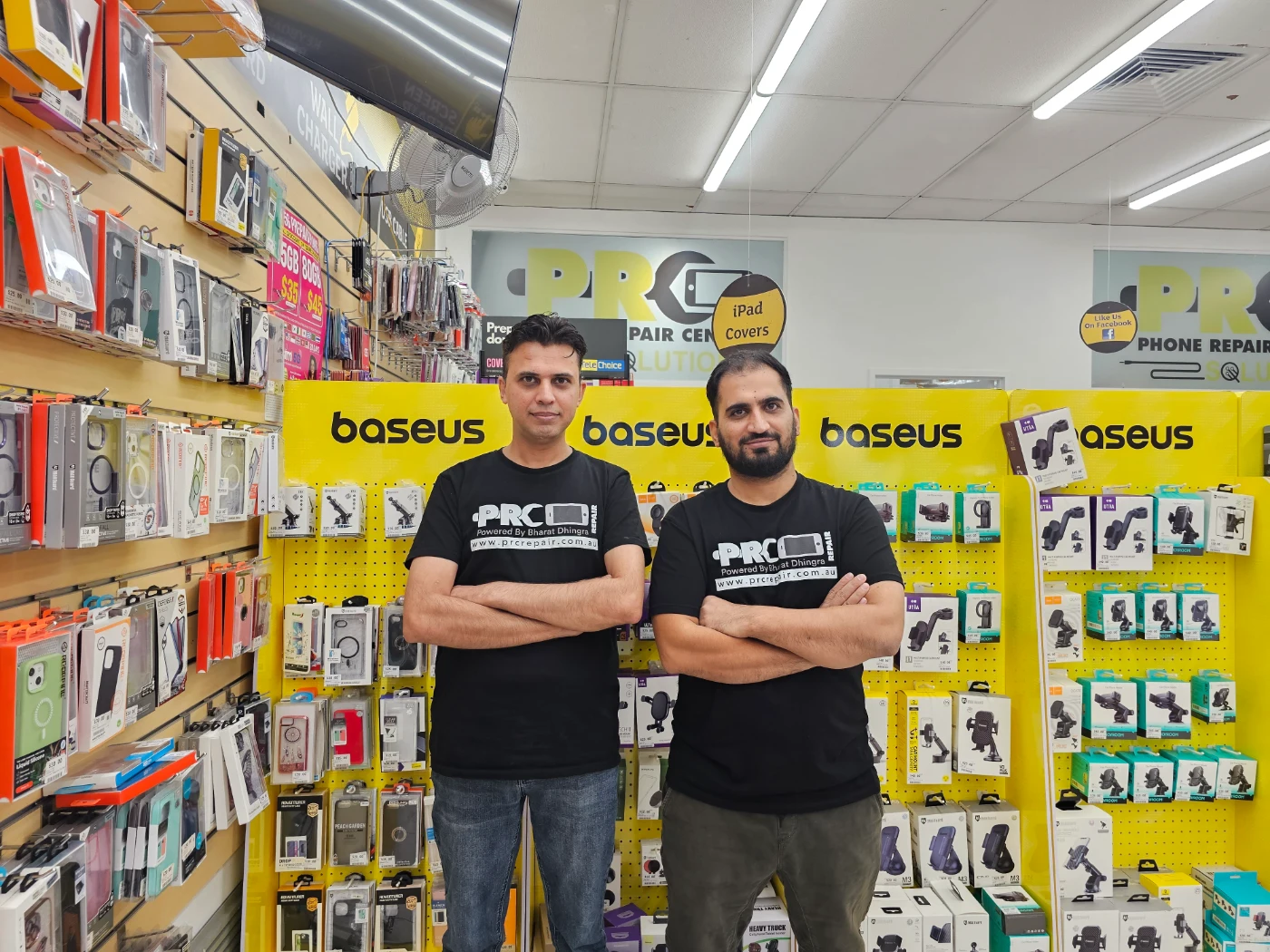
Bring your photo ID and proof of ownership to our St Marys or Schofields Village workshops. We provide professional firmware recovery with complete legal compliance.
Express Phone Repair & Protective Accessories Near Me: Western Sydney & North West Sydney
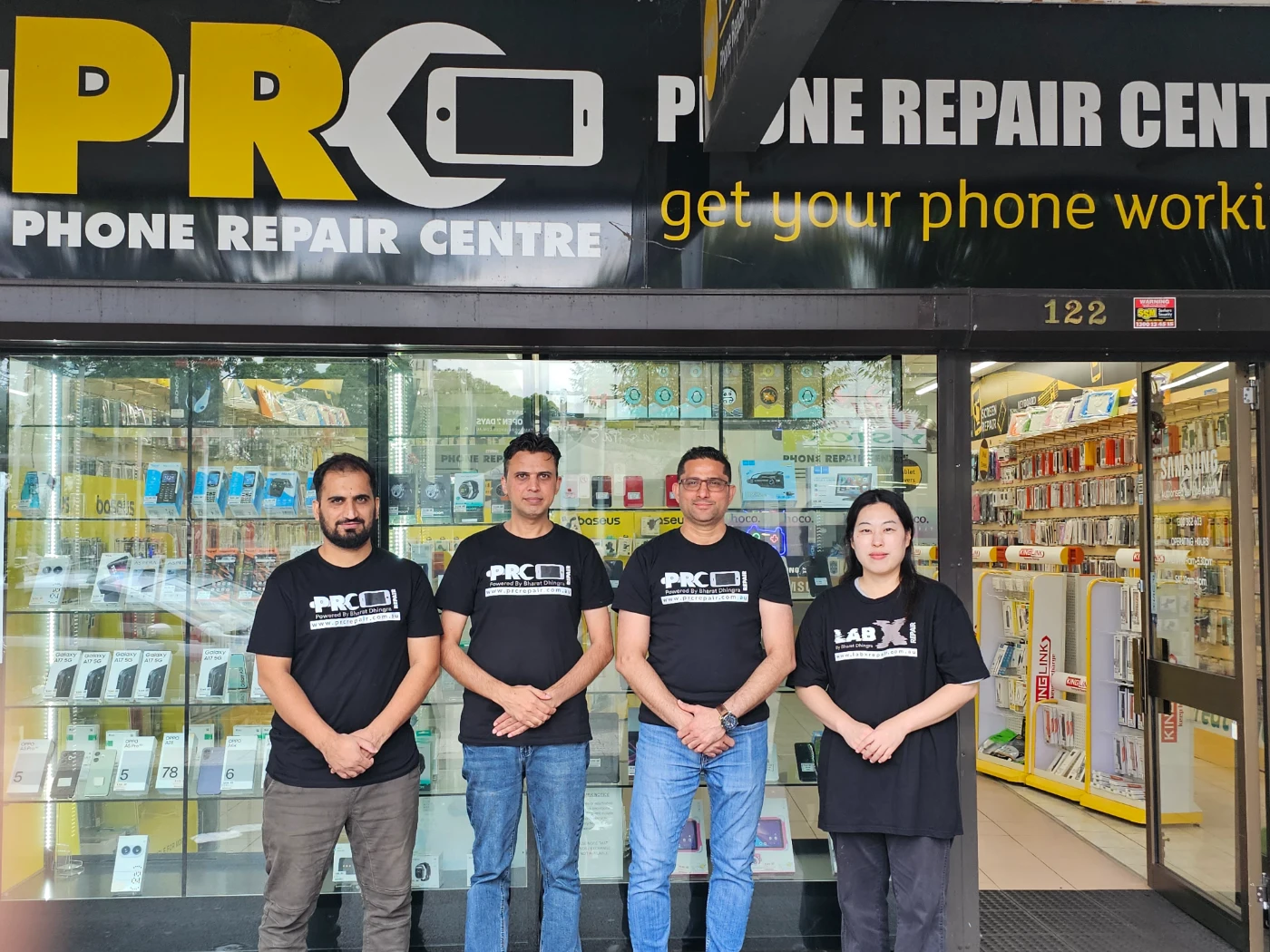
Looking for fast, walk-in phone repairs or durable device protection near Sydney & Surrounding Suburbs? Phone Repair Centre operates two dedicated Sydney locations: our flagship diagnostic laboratory at 122 Queen Street, St Marys, and our express kiosk at Schofields Village. We combine 30-minute hardware fixes with complimentary bubble-free screen protector application and premium mobile accessories in stock every day.
Express Walk-in Repairs (30 to 45 Mins)
- Screen & OLED Replacement: iPhone, Samsung Galaxy, Google Pixel, and iPad display renewals with True Tone preservation.
- Battery Renewal: High-capacity replacement cells installed same-day with store warranty.
- Charging Port & Audio Fixes: USB-C and Lightning port cleaning, debris removal, or micro-soldering replacement.
- Laser Back Glass Repair: Clean rear glass replacement with factory-tight seal alignment.
- Strict Zero Data Loss: Your photos, banking apps, and personal data stay untouched throughout the repair.
In-Store Protection & Accessories
- Free Screen Protector Fitting: 9H tempered glass, anti-peeping privacy protectors, and hydrogel films applied bubble-free by our technicians.
- Drop-Proof & MagSafe Cases: Shock-absorbent military-grade covers, crystal-clear cases, and magnetic wallet folios for all popular models.
- High-Speed Power & Cables: 20W to 65W Power Delivery (PD) wall adapters, braided USB-C and Lightning cables, and magnetic wireless car mounts.
- Camera Lens Armor: Scratch-resistant sapphire glass lens protectors for multi-lens camera systems.
- Cash Buyback Desk (St Marys): Cash on the spot for unwanted, broken, or locked phones if you prefer to trade in rather than repair.
Drive Times & Proximity Catchment
St Marys Workshop (Western Sydney Hub):
• Penrith: 10 mins via Great Western Highway
• Mount Druitt: 6 mins via Carlisle Avenue
• Blacktown: 15 mins via M4 or Great Western Highway
• St Clair & Erskine Park: 7 mins via Bennett Road
Schofields Express (North West Sydney Hub):
• Rouse Hill & The Ponds: 6 to 8 mins via Schofields Road
• Tallawong & Box Hill: 5 to 9 mins via Boundary Road
• Marsden Park: 8 mins via Richmond Road
• Kellyville & Stanhope Gardens: 10 mins
Quick Answer: Where can I find phone repair and screen protectors near me in Sydney & Surrounding Suburbs?
Phone Repair Centre offers same-day walk-in repairs and professional bubble-free screen protector fitting across Sydney. Visit our flagship repair lab at 122 Queen Street, St Marys (near Penrith and Mount Druitt) or our express kiosk at Schofields Village (near Rouse Hill and The Ponds). Most repairs are completed in 30 to 45 minutes with zero data loss and store warranty included.
Frequently Asked Questions & Diagnostic Scenarios
Q: Can a repair shop unlock a phone with a Google FRP lock in Sydney?
Yes, but strictly under legal conditions. Reputable repair centres like Phone Repair Centre can perform official firmware recovery to reset Google FRP locks on Samsung and Android devices for $69 to $89, but we legally require proof of ownership (original store receipt, carrier invoice, or a signed Statutory Declaration witnessed by a Justice of the Peace) and Australian photo ID. Devices reported lost or stolen are strictly rejected.
Q: What documents do I need to unlock an FRP-locked phone at Phone Repair Centre?
To unlock an FRP-locked phone at Phone Repair Centre, you must provide a valid Australian Driver License or Passport, plus proof of ownership such as the original purchase receipt, a telco bill displaying your name and IMEI, or an official NSW Statutory Declaration stating you are the rightful legal owner of the device.
Q: Where can I get help with a locked Samsung phone in Western Sydney?
Visit Phone Repair Centre at 122 Queen Street St Marys (ph (02) 8678 3298) or Kiosk 1/227 Railway Terrace Schofields (inside Schofields Village shopping centre, ph (02) 7238 1732) with your proof of purchase for fast, professional assistance.
Decided Not to Repair? Sell It for Instant Cash
If you prefer to upgrade rather than repair, Phone Repair Centre buys damaged, cracked, and unwanted devices for cash on the spot. Our buyback and device trade-in desk is located at our St Marys flagship workshop.
Local Sydney Suburbs We Service (Driving Times)
We welcome walk-in customers and drop-offs across Greater Western Sydney and North West Sydney:
Visit Phone Repair Centre in Sydney (Two Stores, One Team)
St Marys Workshop
122 Queen Street, St Marys NSW 2760
Phone: (02) 8678 3298
Location: Opposite Coachmans Park, 3 mins walk from St Marys Train Station.
Full workshop, micro-soldering, console and board level repairs, buyback desk.
Mon-Fri 9:00am to 5:30pm | Sat 9:00am to 4:00pm
Schofields Express Store
Kiosk 1/227 Railway Terrace, Schofields NSW 2762
Phone: (02) 7238 1732
Location: Inside Schofields Village shopping precinct, next to station car park.
Express screens, batteries and charging ports. Other repairs transferred to workshop.
Mon-Fri 9:00am to 5:30pm | Sat 9:00am to 4:00pm