
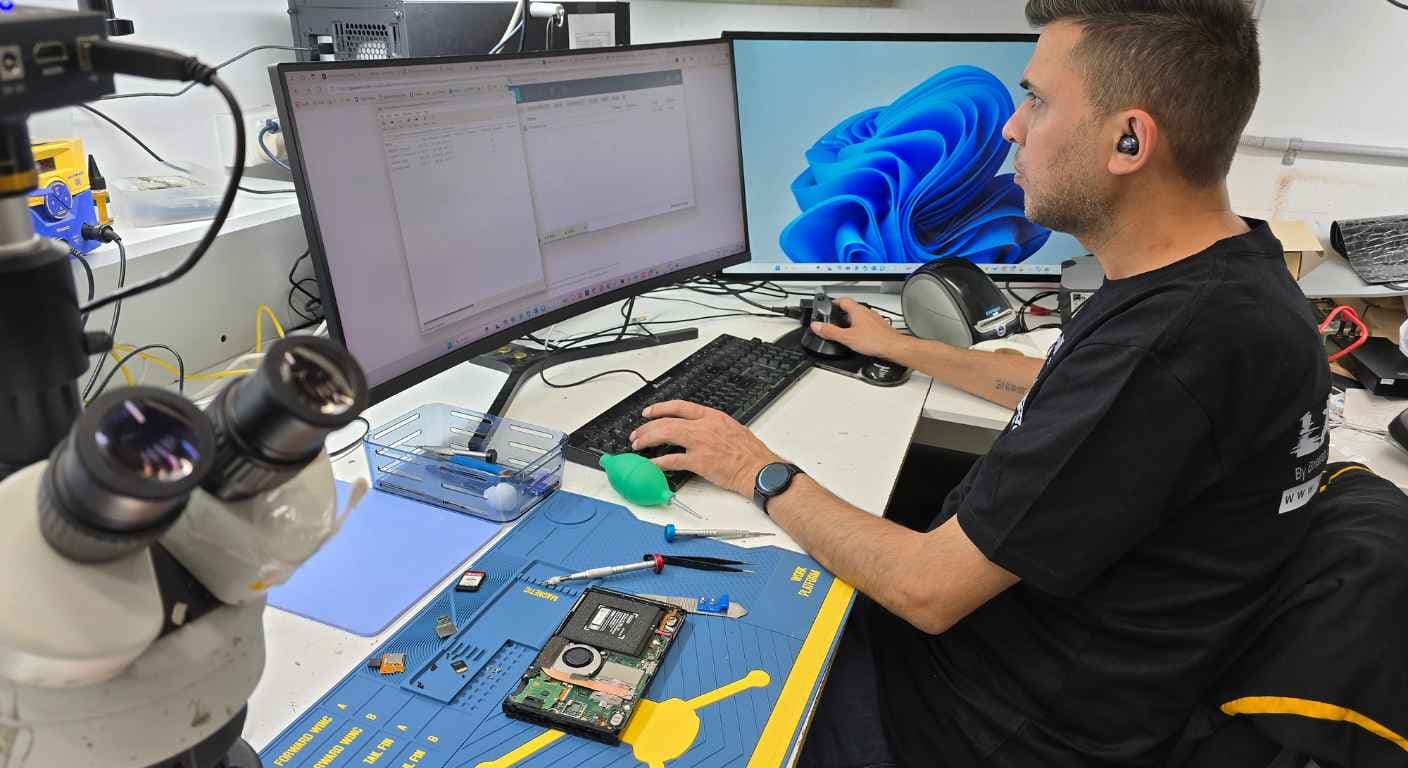
Getting locked out of your Android phone right after a factory reset is incredibly frustrating. It is a common headache, and many people hit the Factory Reset Protection (FRP) screen without knowing why it is there or how to get past it. Whether you completely forgot your Google account details, picked up a second-hand phone, or just ran into an unexpected lock screen, getting a handle on what is going on is the first step.
PRC Repair is one of Australia's trusted mobile phone repair specialists. We offer professional FRP unlocking and Android repair services to get you back into your phone safely, quickly, and without the stress.
Get Professional FRP Unlock ServiceWhat Is Factory Reset Protection (FRP) and How Does It Work?
Factory Reset Protection (FRP) is a built-in security feature that Google rolled out for Android devices running Android 5.1 (Lollipop) and newer versions. It is designed to protect your personal information if your phone is lost, stolen, or reset without permission.
The moment you add a Google account to your Android device, FRP activates automatically. If someone performs a factory reset through recovery mode or device settings, the phone will require the credentials of the Google account that was previously synced to the device.
This security measure helps make stolen devices unusable and significantly improves Android security.
Need FRP Removal Help?Why Your Android Phone Is Asking for a Previously Synced Google Account
This security prompt usually appears because:
- A Google account was linked to the device before the reset.
- The phone was reset without removing the Google account first.
- The device was purchased second-hand and still contains the previous owner's account.
- You forgot your Google account credentials.
If your device displays the message asking you to sign in with a previously synced Google account, FRP has been activated and verification is required before access can be restored.
How to Remove FRP Lock on Samsung Devices
Samsung devices are among the most common phones affected by FRP locks. While many online videos claim to offer quick bypass methods, most are outdated, unreliable, or can create additional software problems.
The safest options include:
- Signing in with the original Google account.
- Using Google's official account recovery process.
- Seeking professional assistance when recovery is unsuccessful.
Professional technicians use approved procedures and ownership verification to provide safe solutions based on your Samsung model.
Samsung FRP Unlock AssistanceCommon Reasons People Get Locked Out After a Factory Reset
- Forgotten Google account credentials.
- Buying a used Android phone.
- Receiving a device from family or friends.
- Accidental factory resets.
- Multiple Google accounts causing confusion.
- Software update-related issues.
Most users only discover Factory Reset Protection after attempting to reactivate their phone following a reset.
Buying a Used Android Phone? Check for FRP Lock First
Before purchasing a second-hand Android device, always verify that:
- The previous owner removed their Google account.
- The phone completes activation successfully.
- You can reach the home screen without verification prompts.
- The seller can provide proof of ownership.
Performing these checks can save you from unexpected lock issues later.
FRP Unlock vs Factory Reset: What's the Difference?
Factory Reset
A factory reset erases apps, files, settings, and user data from the phone.
FRP Unlock
FRP unlocking allows legitimate owners to regain access to a device after a factory reset triggers Google account verification.
Running another factory reset will not remove Factory Reset Protection.
Unlock Your Android Device TodayHow Professional Repair Shops Remove FRP Locks Safely
Professional technicians use secure and approved methods to diagnose and resolve FRP-related issues.
- Safe software handling
- Reduced risk of system corruption
- Device-specific expertise
- Ownership verification procedures
- Reliable long-term solutions
Using random online bypass tools can create additional software problems and may permanently affect device functionality.
FRP Lock Problems and Solutions
Some of the most common FRP-related problems include:
- Forgotten Google account credentials.
- Verification screen loops.
- Setup process freezes.
- Software update complications.
- Second-hand device activation issues.
A professional diagnosis can identify the root cause and determine the most effective solution.
FRP Unlock Guide
If your Android phone is requesting a previously synced Google account:
- Attempt account recovery first.
- Verify your login details carefully.
- Gather proof of ownership.
- Contact a professional technician if necessary.
Modern Android security updates make many older bypass methods ineffective.
Signs You Need Professional FRP Removal Services
- You cannot recover your Google account.
- Account recovery attempts have failed.
- You purchased a locked second-hand phone.
- The setup process is frozen or looping.
- DIY solutions have not worked.
- You want a safe and reliable solution.
Why Choose PRC Repair for FRP Unlock and Mobile Repair Services?
When you need reliable FRP unlocking services, choosing an experienced repair provider matters.
What Sets PRC Repair Apart?
- Experienced Android repair specialists.
- Support for Samsung, Google Pixel, Oppo, Xiaomi, Motorola, and more.
- Fast diagnostics and turnaround times.
- Transparent and professional customer service.
- Trusted mobile repair brand across Australia.
- Expert software and hardware repair solutions.
Whether you are dealing with FRP locks, software issues, broken screens, charging problems, or battery failures, PRC Repair delivers dependable repair solutions for Android users throughout Australia.
Book Your FRP Unlock ServiceFinal Thoughts
Factory Reset Protection is an essential Android security feature designed to protect your personal information. While it helps prevent unauthorized access, it can occasionally lock out legitimate owners who cannot remember their account details.
If you are facing an FRP lock and need expert assistance, PRC Repair offers professional FRP unlocking and Android repair services to help you regain access quickly, safely, and confidently.
Contact PRC Repair TodayExpress Phone Repair & Protective Accessories Near Me: Western Sydney & North West Sydney
Looking for fast, walk-in phone repairs or durable device protection near Sydney & Surrounding Suburbs? Phone Repair Centre operates two dedicated Sydney locations: our flagship diagnostic laboratory at 122 Queen Street, St Marys, and our express kiosk at Schofields Village. We combine 30-minute hardware fixes with complimentary bubble-free screen protector application and premium mobile accessories in stock every day.
Express Walk-in Repairs (30 to 45 Mins)
- Screen & OLED Replacement: iPhone, Samsung Galaxy, Google Pixel, and iPad display renewals with True Tone preservation.
- Battery Renewal: High-capacity replacement cells installed same-day with store warranty.
- Charging Port & Audio Fixes: USB-C and Lightning port cleaning, debris removal, or micro-soldering replacement.
- Laser Back Glass Repair: Clean rear glass replacement with factory-tight seal alignment.
- Strict Zero Data Loss: Your photos, banking apps, and personal data stay untouched throughout the repair.
In-Store Protection & Accessories
- Free Screen Protector Fitting: 9H tempered glass, anti-peeping privacy protectors, and hydrogel films applied bubble-free by our technicians.
- Drop-Proof & MagSafe Cases: Shock-absorbent military-grade covers, crystal-clear cases, and magnetic wallet folios for all popular models.
- High-Speed Power & Cables: 20W to 65W Power Delivery (PD) wall adapters, braided USB-C and Lightning cables, and magnetic wireless car mounts.
- Camera Lens Armor: Scratch-resistant sapphire glass lens protectors for multi-lens camera systems.
- Cash Buyback Desk (St Marys): Cash on the spot for unwanted, broken, or locked phones if you prefer to trade in rather than repair.
Drive Times & Proximity Catchment
St Marys Workshop (Western Sydney Hub):
• Penrith: 10 mins via Great Western Highway
• Mount Druitt: 6 mins via Carlisle Avenue
• Blacktown: 15 mins via M4 or Great Western Highway
• St Clair & Erskine Park: 7 mins via Bennett Road
Schofields Express (North West Sydney Hub):
• Rouse Hill & The Ponds: 6 to 8 mins via Schofields Road
• Tallawong & Box Hill: 5 to 9 mins via Boundary Road
• Marsden Park: 8 mins via Richmond Road
• Kellyville & Stanhope Gardens: 10 mins
Quick Answer: Where can I find phone repair and screen protectors near me in Sydney & Surrounding Suburbs?
Phone Repair Centre offers same-day walk-in repairs and professional bubble-free screen protector fitting across Sydney. Visit our flagship repair lab at 122 Queen Street, St Marys (near Penrith and Mount Druitt) or our express kiosk at Schofields Village (near Rouse Hill and The Ponds). Most repairs are completed in 30 to 45 minutes with zero data loss and store warranty included.