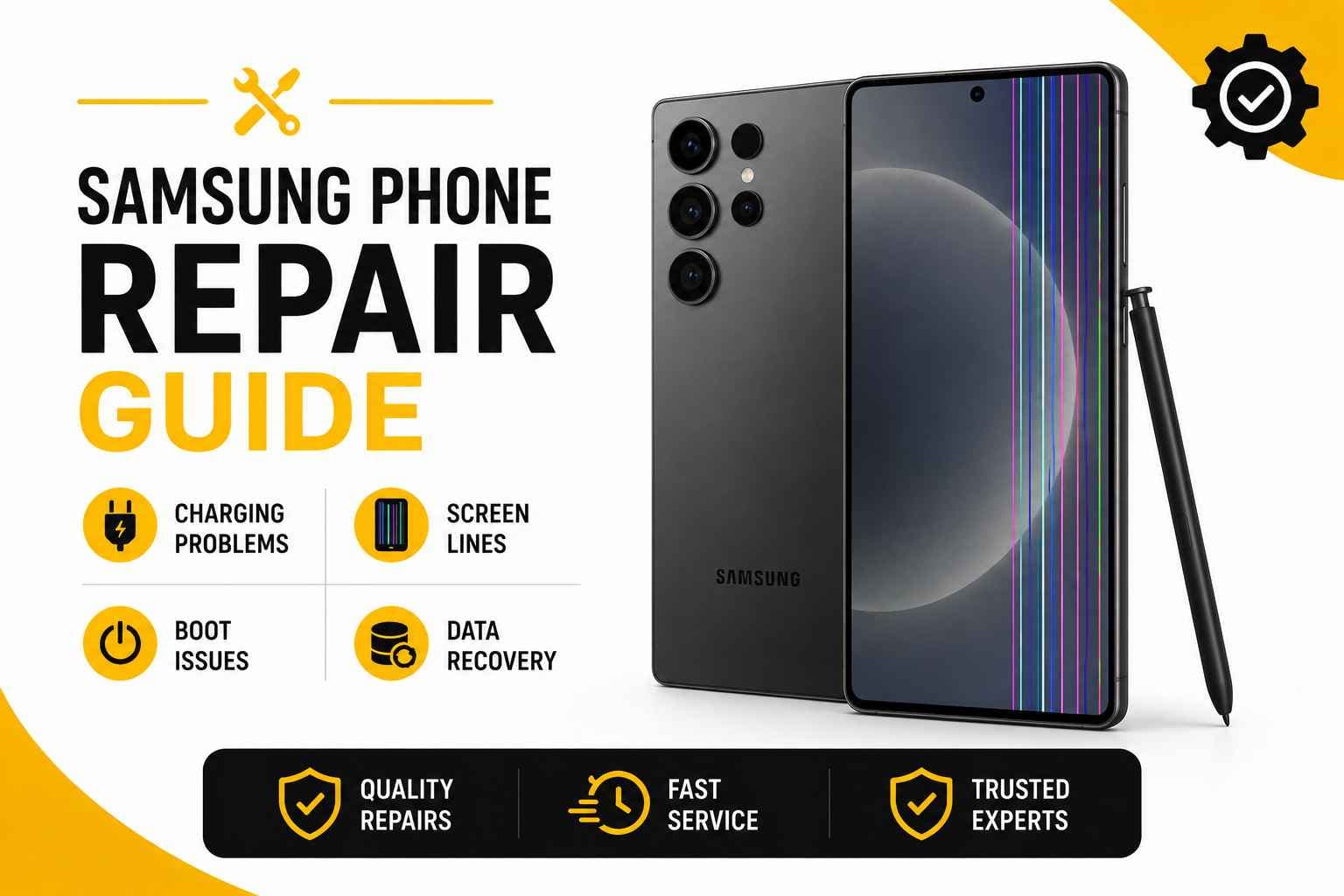
Samsung phones are built for heavy daily use, but even the best Galaxy device can hit a wall. Seeing your battery stay stuck at 3% while plugged in, spotting a glowing green line down your display, or watching the phone loop endlessly on the Samsung logo can instantly throw off your day.
The good news? Most of these issues don't mean your phone is ready for the recycling bin.
At PRC Repair, we fix the entire Samsung lineup across Australia—from everyday Galaxy A Series phones and flagship S Series models to classic Notes and complex Z Fold or Z Flip foldables.
Why is my Samsung phone charging but not increasing in percentage?
Plugging in your phone and seeing the lightning bolt icon show up—only for the battery percentage to stay completely flat—is a uniquely frustrating problem.
A few common culprits usually cause this fake-charging state:
- A worn-out or damaged USB-C cable
- A weak power adapter that can't supply enough wattage
- Lint, dust, or corrosion inside the USB-C port
- Advanced battery cell degradation
- Faulty power-management ICs on the logic board
- Heavy background apps drawing more power than the charger provides
Start by testing a fresh cable and wall adapter. If the battery percentage still won't budage, the problem is inside the phone.
We test the power circuit directly to pinpoint whether you need a quick USB-C port cleaning, a new battery, or component-level logic board work.
Why does my Samsung screen have a green or pink line?
A bright green or pink vertical line slicing through your display is a common sight on modern AMOLED panels.
These lines usually point to:
- Internal display layer damage from a drop or pressure spike
- Fractured flex cable traces connecting the screen to the board
- Heat-related degradation of the display driver IC
- Sub-pixel controller failure
Even if you haven't dropped the phone recently, subtle frame flex or accumulated thermal stress can cause a trace to snap inside the screen assembly. Software restarts rarely fix this because the issue lives inside the display hardware itself.
If you spot a line, avoid pressing down on the glass to "push" it back into place. Pushing on an OLED panel can crush surrounding sub-pixels, turning a single line into a massive black ink blotch. A clean screen replacement is usually the only permanent fix.
Why is my Samsung phone stuck on the Samsung logo?
When your device refuses to boot past the glowing Samsung screen, it's trapped in what technicians call a boot loop.
Boot loops are typically triggered by:
- Interrupted or corrupted system updates
- Storage controller failures
- System software crashes
- Power instability from a dying battery
- Physical or liquid damage affecting the logic board
If it's a minor software hiccup, a hard key reset might kick it back into gear. But if the phone gets hot or loops indefinitely, the underlying issue is often hardware-related.
If you have unbacked-up data on the phone, be extremely cautious with factory resets. Wiping the device clears system software, but if the issue is a damaged hardware chip, a reset will wipe your memories without actually fixing the phone.
Can a Samsung phone be repaired after water damage?
Yes, water-damaged Samsung phones can often be saved, but speed is everything.
If your phone takes an unexpected dive:
- Turn it off immediately.
- Unplug any charging cables.
- Don't try turning it back on to check if it works.
- Get it checked by a specialist as soon as possible.
Skip the bag of uncooked rice. Rice cannot pull moisture out from behind sealed glass panels and rubber gaskets. Worse, fine rice dust mixes with moisture to form a messy paste that accelerates circuit corrosion.
Water degrades charging ports, screen connectors, batteries, and logic board traces. Professional ultrasonic cleaning and liquid remediation scrub away corrosion before it permanently burns through critical copper traces.
Why is my Samsung Galaxy overheating while charging?
It's normal for a phone to feel slightly warm during fast charging, especially if you're streaming video at the same time. But if the back glass gets too hot to hold comfortably, your hardware is telling you something is wrong.
Overheating while charging is usually caused by:
- Uncertified or failing charging blocks pushing unstable voltage
- Severe battery degradation creating internal electrical resistance
- Dirt or bent pins inside the USB-C port causing a micro-short
- Failed power-regulation components on the motherboard
If your device gets alarming hot, unplug it right away and let it cool. Continuous heat breaks down internal batteries and can fry adjacent processor chips. A quick diagnostic run will tell you if the heat spike is a simple battery failure or a shorted board capacitor.
Can data be recovered from a Samsung phone that won't turn on?
In most cases, yes. A Samsung phone that appears completely dead usually just has a broken power path—the storage chips holding your photos, contacts, and documents are often completely unharmed.
Dead power paths can result from:
- Liquid corrosion shorting out power lines
- Blown capacitors on the main logic board
- Fractured battery connectors or torn charging ribbons
- Heavy drops causing board-level solder fractures
Our data recovery team works under high-powered microscopes to bridge broken board traces, replace shorted micro-chips, and temporarily restore board power. Once the board springs to life long enough to talk to a computer, we extract your irreplaceable files safely.
Why Choose PRC Repair for Samsung Repairs?
Modern Samsung devices—especially curved displays and dual-battery foldables like the Z Fold and Z Flip—require far more than standard screwdriver work.
PRC Repair brings specialized tools and micro-soldering experience to every bench:
- OLED and screen replacements across all Galaxy models
- Battery and power cell installations
- USB-C charging port fixes and deep cleaning
- Liquid damage cleanup and ultrasonic treatment
- Micro-soldering and logic board circuit repairs
- Specialist data recovery for non-working phones
- Australia-wide mail-in service for regional customers
Instead of giving up when a simple part swap fails to fix the issue, we trace board circuits to identify and replace the exact micro-component responsible.
Explore PRC Repair Samsung Services
Final Thoughts
A flatlined battery, a stubborn screen line, or a boot loop doesn't automatically mean your Samsung phone belongs in an e-waste bin.
Most everyday hardware issues can be repaired cleanly and affordably once you know what's actually causing the fault. Before writing off your device or locking yourself into an expensive new contract, get it properly diagnosed. A targeted repair can easily give your Galaxy phone years of extra life.
Express Phone Repair & Protective Accessories Near Me: Western Sydney & North West Sydney
Looking for fast, walk-in phone repairs or durable device protection near Sydney & Surrounding Suburbs? Phone Repair Centre operates two dedicated Sydney locations: our flagship diagnostic laboratory at 122 Queen Street, St Marys, and our express kiosk at Schofields Village. We combine 30-minute hardware fixes with complimentary bubble-free screen protector application and premium mobile accessories in stock every day.
Express Walk-in Repairs (30 to 45 Mins)
- Screen & OLED Replacement: iPhone, Samsung Galaxy, Google Pixel, and iPad display renewals with True Tone preservation.
- Battery Renewal: High-capacity replacement cells installed same-day with store warranty.
- Charging Port & Audio Fixes: USB-C and Lightning port cleaning, debris removal, or micro-soldering replacement.
- Laser Back Glass Repair: Clean rear glass replacement with factory-tight seal alignment.
- Strict Zero Data Loss: Your photos, banking apps, and personal data stay untouched throughout the repair.
In-Store Protection & Accessories
- Free Screen Protector Fitting: 9H tempered glass, anti-peeping privacy protectors, and hydrogel films applied bubble-free by our technicians.
- Drop-Proof & MagSafe Cases: Shock-absorbent military-grade covers, crystal-clear cases, and magnetic wallet folios for all popular models.
- High-Speed Power & Cables: 20W to 65W Power Delivery (PD) wall adapters, braided USB-C and Lightning cables, and magnetic wireless car mounts.
- Camera Lens Armor: Scratch-resistant sapphire glass lens protectors for multi-lens camera systems.
- Cash Buyback Desk (St Marys): Cash on the spot for unwanted, broken, or locked phones if you prefer to trade in rather than repair.
Drive Times & Proximity Catchment
St Marys Workshop (Western Sydney Hub):
• Penrith: 10 mins via Great Western Highway
• Mount Druitt: 6 mins via Carlisle Avenue
• Blacktown: 15 mins via M4 or Great Western Highway
• St Clair & Erskine Park: 7 mins via Bennett Road
Schofields Express (North West Sydney Hub):
• Rouse Hill & The Ponds: 6 to 8 mins via Schofields Road
• Tallawong & Box Hill: 5 to 9 mins via Boundary Road
• Marsden Park: 8 mins via Richmond Road
• Kellyville & Stanhope Gardens: 10 mins
Quick Answer: Where can I find phone repair and screen protectors near me in Sydney & Surrounding Suburbs?
Phone Repair Centre offers same-day walk-in repairs and professional bubble-free screen protector fitting across Sydney. Visit our flagship repair lab at 122 Queen Street, St Marys (near Penrith and Mount Druitt) or our express kiosk at Schofields Village (near Rouse Hill and The Ponds). Most repairs are completed in 30 to 45 minutes with zero data loss and store warranty included.