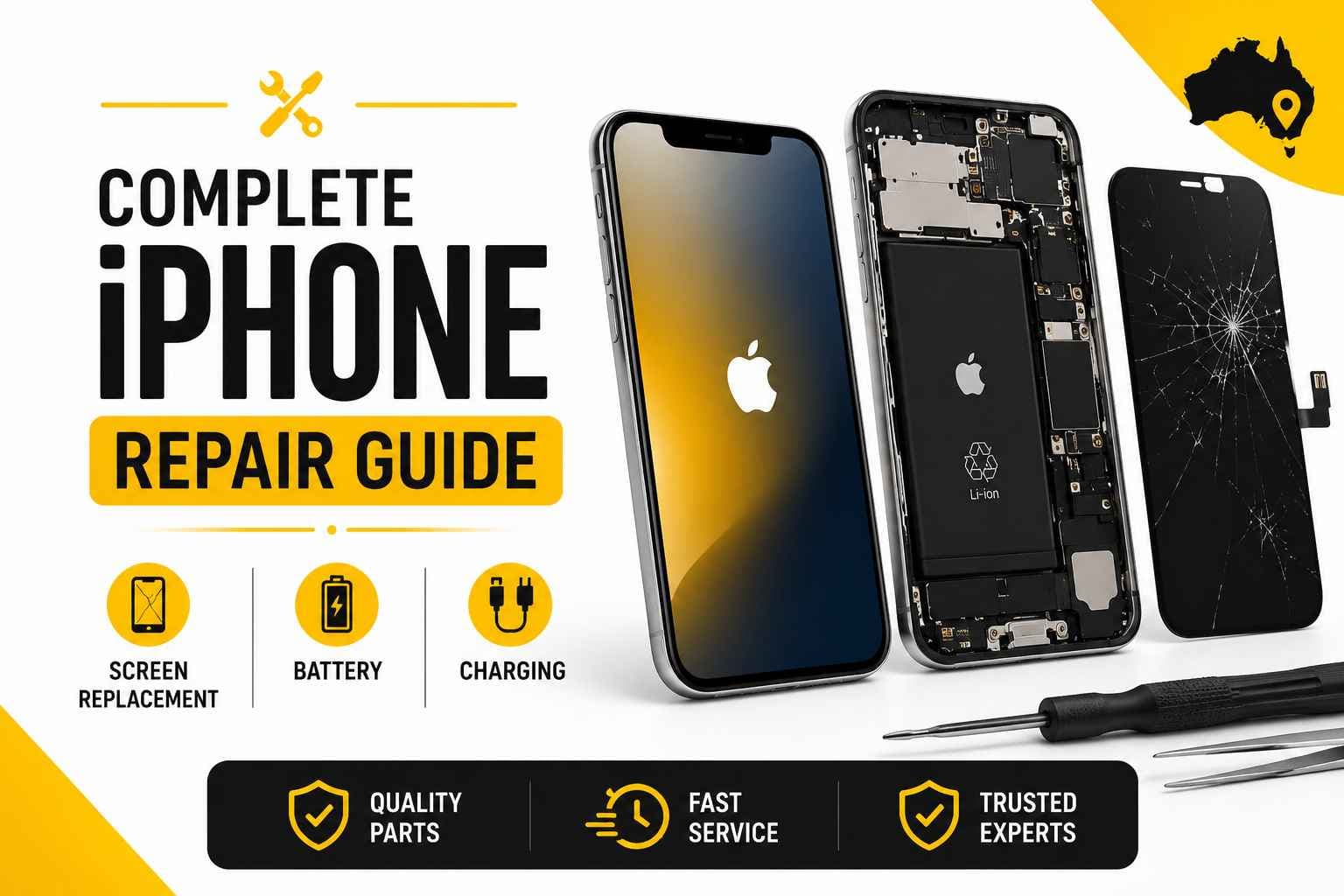
An iPhone is built tough, but life happens. Drop it onto concrete, leave it in the sun, or use it every single day for three years until the battery dies by 2 PM, and you’re hit with that familiar annoyance: do you sink cash into a fix, or bite the bullet on a new phone?
The good news? Most broken iPhones aren't actually ready for the bin.
At PRC Repair, we see the full range of damage across Australia. From shattered glass and tired batteries to stubborn charging ports and drowned logic boards, the right repair can usually get your phone back in working order without the eye-watering cost of an upgrade.
How much does it cost to replace an iPhone screen in Australia?
The final repair bill comes down to a few basic details: the exact model you have, whether it uses an LCD or OLED panel, the quality of the new display, and how hard it hit the ground.
Older models are naturally cheaper to fix. Newer iPhones with high-refresh OLED displays require pricier parts. A quick glass crack is also a very different job from a screen showing black ink spots, green lines, or touch dead zones—signs that the deeper display layers took the damage.
It always pays to get the phone checked properly before spending anything. A cracked top layer of glass doesn't mean every sensor behind it needs to go in the trash.
Our team inspects the device first to figure out what's broken. That way, you pay for the repair your phone actually needs—nothing more, nothing less.
How do I know if my iPhone battery needs replacing?
Lithium-ion batteries don't last forever. If your phone bleeds power while sitting on your desk or suddenly shuts down with 20% still showing in the corner, the battery has likely run its course.
A few clear signs your battery is on its last legs:
- The percentage drops fast even when you aren't doing much
- Sudden power-offs, especially outdoors or when opening heavy apps
- The back of the phone feels hot during basic tasks
- Everything feels sluggish as iOS throttles speed to stop unexpected shutdowns
- The screen starts lifting away from the frame (a sign of a swollen battery)
A fresh battery won't turn a five-year-old iPhone into a brand-new flagship, but if the rest of the phone works fine, replacing an exhausted battery gives you back all-day performance for a fraction of the cost.
What should I do if my iPhone is not charging?
Plugging in your charger and seeing total silence is infuriating, but it doesn't always mean your phone is dead.
Before calling for help, check the simple things:
- Swap out your cable and wall plug.
- Grab a flashlight and check the port for packed pocket lint.
- Try a different power outlet.
If you spot lint inside the port, go easy. Resist the urge to dig around with paperclips or safety pins—the tiny gold contacts inside bend and break far easier than you'd think.
If basic cleaning doesn't work, the problem might be a worn-out port, a failed battery cell, or a damaged power chip on the motherboard. We test the power path directly so you don't end up paying for a new battery when a dirty or damaged port was the real problem.
Can a water-damaged iPhone be repaired?
Yes, water-damaged iPhones can often be saved, but how quickly you act makes all the difference.
Get Water-Damaged iPhone Assistance
If your phone takes a dive, turn it off immediately and leave it off. Resist the urge to plug it into a charger or turn it back on "just to see if it still works." Sending electricity through wet circuits is what turns a minor spill into a fried phone.
Skip the bag of uncooked rice, too. Rice doesn't pull moisture out from sealed internal components, and the dusty starch left behind can mix with water to form a nasty corrosive paste inside the housing.
Liquid can ruin the screen, battery, port, and main board. Even if a wet phone turns on right away, corrosion can slowly eat away at the internal wiring over the following days until it stops working entirely. Proper ultrasonic cleaning and liquid-damage treatment give the phone its best shot at a long-term recovery.
How long does an iPhone battery replacement take?
Turnaround time usually depends on the model, part availability, and whether there's any hidden damage inside.
For common models with parts on hand, a simple battery replacement takes about 30 to 60 minutes. If the phone has liquid corrosion or deeper power issues on the main board, it takes a little longer to run through proper diagnostics.
Fast service is great, but thorough testing matters more. Once a new battery is in, we test how it takes a charge, check for abnormal battery drain, and make sure the phone runs cool before handing it back to you.
Can an iPhone with a broken screen be repaired?
Absolutely. A shattered screen looks terrible, but underneath that spiderweb of glass, the actual computer, cameras, and your stored memories are usually completely fine.
It doesn't matter if your display has:
- Fractured glass across the front
- Dark blotches or bleeding pixels
- Bright colored lines running top to bottom
- Unresponsive touch or erratic phantom taps
- A pitch-black screen that still vibrates when plugged in
A precision screen swap replaces the damaged front assembly and brings the device back to life. Fixing your existing phone also means avoiding the headaches of backing up, transferring data, and setting up a new device from scratch.
Why Choose PRC Repair for iPhone Repairs?
Not every phone issue can be fixed by simply swapping out a modular part. When a fault runs deeper into the internal electronics, standard high-street repair shops will often tell you the device is beyond saving.
PRC Repair handles everything in-house:
View PRC Repair iPhone Services
- Professional screen and glass replacements
- Fresh battery installs
- Charging port fixes and deep cleaning
- Liquid damage cleanup and corrosion removal
- Micro-soldering and motherboard repair
- Specialized data recovery for dead phones
- Australia-wide mail-in services
Because we work on component-level hardware, we can trace power faults, replace failed micro-components on the board, and fix broken connections rather than giving up on a phone that still has life in it.
Final Thoughts
A cracked screen, a dying battery, or a temperamental charging port doesn't mean your iPhone belongs in the recycling drawer.
Most everyday hardware issues can be repaired cleanly and affordably once someone takes the time to diagnose the actual fault. Before you write off a damaged device or lock yourself into an expensive replacement, get it checked by a specialist. A proper repair can easily give your phone a couple more years of solid use.
Express Phone Repair & Protective Accessories Near Me: Western Sydney & North West Sydney
Looking for fast, walk-in phone repairs or durable device protection near Sydney & Surrounding Suburbs? Phone Repair Centre operates two dedicated Sydney locations: our flagship diagnostic laboratory at 122 Queen Street, St Marys, and our express kiosk at Schofields Village. We combine 30-minute hardware fixes with complimentary bubble-free screen protector application and premium mobile accessories in stock every day.
Express Walk-in Repairs (30 to 45 Mins)
- Screen & OLED Replacement: iPhone, Samsung Galaxy, Google Pixel, and iPad display renewals with True Tone preservation.
- Battery Renewal: High-capacity replacement cells installed same-day with store warranty.
- Charging Port & Audio Fixes: USB-C and Lightning port cleaning, debris removal, or micro-soldering replacement.
- Laser Back Glass Repair: Clean rear glass replacement with factory-tight seal alignment.
- Strict Zero Data Loss: Your photos, banking apps, and personal data stay untouched throughout the repair.
In-Store Protection & Accessories
- Free Screen Protector Fitting: 9H tempered glass, anti-peeping privacy protectors, and hydrogel films applied bubble-free by our technicians.
- Drop-Proof & MagSafe Cases: Shock-absorbent military-grade covers, crystal-clear cases, and magnetic wallet folios for all popular models.
- High-Speed Power & Cables: 20W to 65W Power Delivery (PD) wall adapters, braided USB-C and Lightning cables, and magnetic wireless car mounts.
- Camera Lens Armor: Scratch-resistant sapphire glass lens protectors for multi-lens camera systems.
- Cash Buyback Desk (St Marys): Cash on the spot for unwanted, broken, or locked phones if you prefer to trade in rather than repair.
Drive Times & Proximity Catchment
St Marys Workshop (Western Sydney Hub):
• Penrith: 10 mins via Great Western Highway
• Mount Druitt: 6 mins via Carlisle Avenue
• Blacktown: 15 mins via M4 or Great Western Highway
• St Clair & Erskine Park: 7 mins via Bennett Road
Schofields Express (North West Sydney Hub):
• Rouse Hill & The Ponds: 6 to 8 mins via Schofields Road
• Tallawong & Box Hill: 5 to 9 mins via Boundary Road
• Marsden Park: 8 mins via Richmond Road
• Kellyville & Stanhope Gardens: 10 mins
Quick Answer: Where can I find phone repair and screen protectors near me in Sydney & Surrounding Suburbs?
Phone Repair Centre offers same-day walk-in repairs and professional bubble-free screen protector fitting across Sydney. Visit our flagship repair lab at 122 Queen Street, St Marys (near Penrith and Mount Druitt) or our express kiosk at Schofields Village (near Rouse Hill and The Ponds). Most repairs are completed in 30 to 45 minutes with zero data loss and store warranty included.