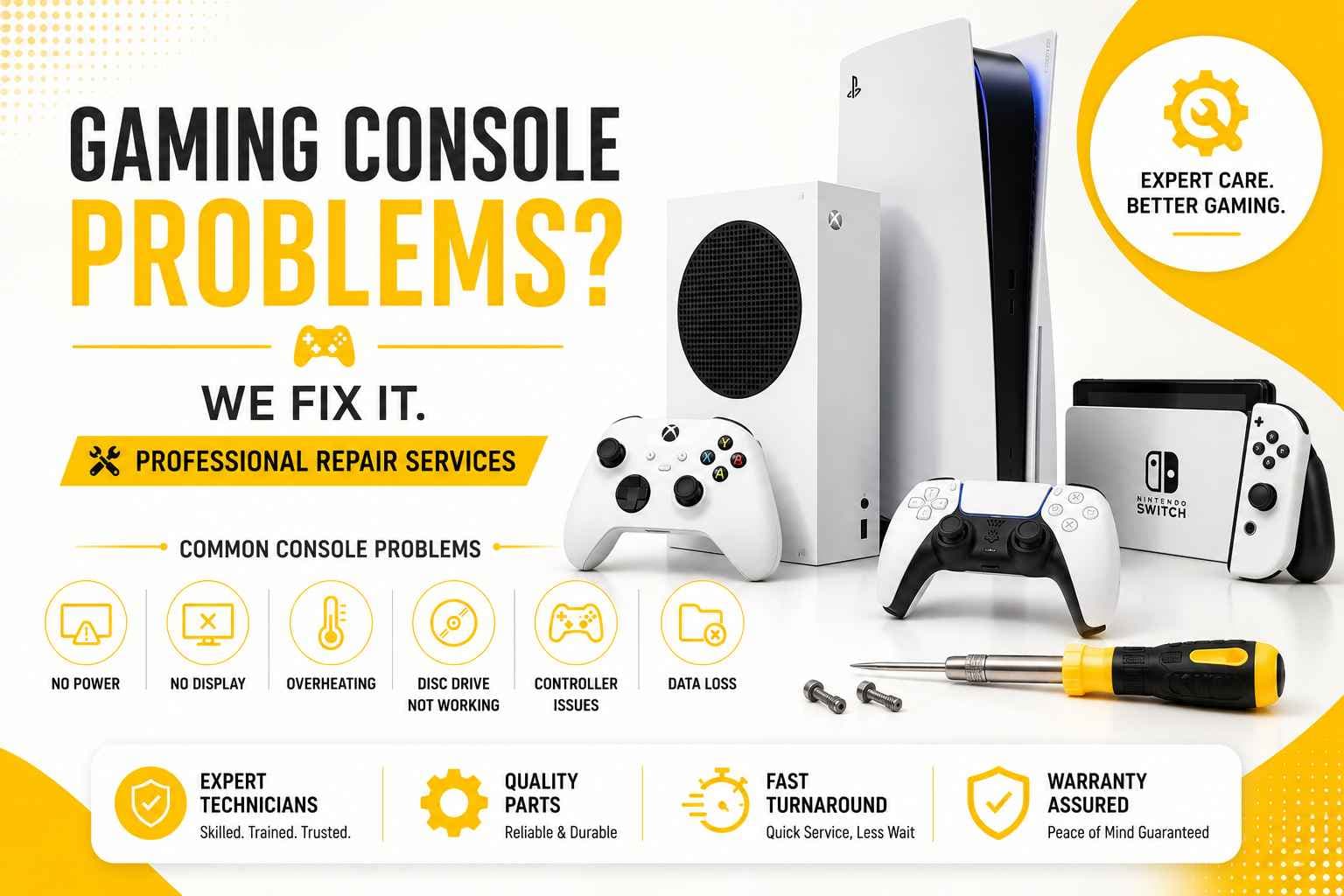
A gaming console can easily be the heart of a great weekend—until it suddenly refuses to cooperate. The power light blinks once, but the TV screen remains completely dark. The fan suddenly spins up until it sounds like a jet taking off on your desk. A Nintendo Switch stays stubborn and won't charge, or an Xbox detects every accessory in the room except the monitor sitting right in front of it.
Before assuming your console is ready for the recycling bin, it is worth understanding what is actually happening under the hood. Most console faults look far more catastrophic than they really are, and many can be fully repaired once properly diagnosed by an experienced technician.
PRC Repair offers professional gaming console repair services for PlayStation, Xbox, and Nintendo Switch devices—covering everything from HDMI port rebuilds and charging fixes to cooling-system overhauls, microsoldering, and deep motherboard-level diagnostics.
Why Does My PS5 Beep but Not Turn On?
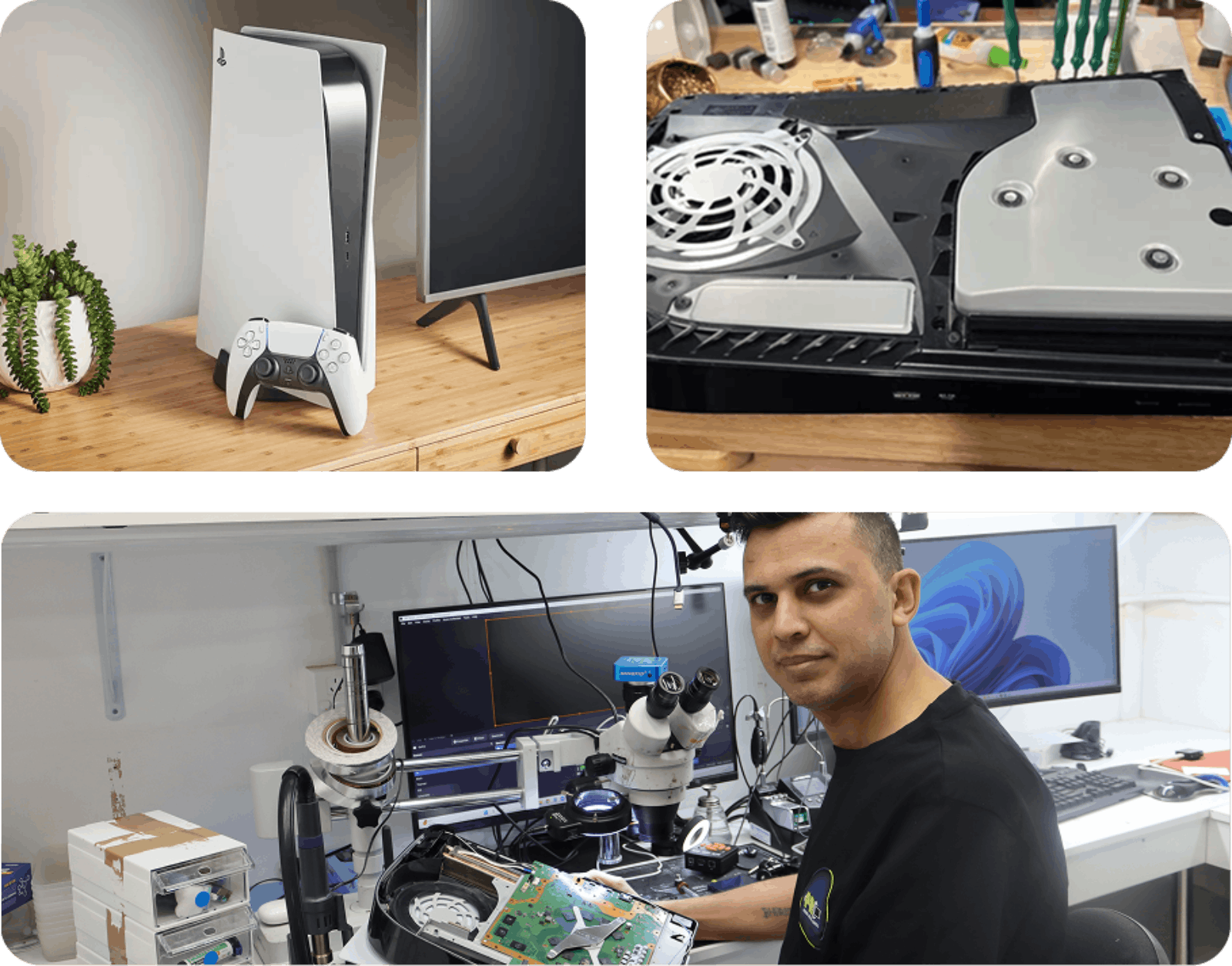
If your PS5 gives that familiar single beep when you press the power button but refuses to boot up, the console is failing its initial hardware handshake. This usually points to a power delivery fault, an internal short circuit, or a logic board issue preventing system initialization.
Common causes behind a beep-no-power loop include:
- Power supply unit (PSU) failure or voltage instability
- Internal short circuits along main power rails
- Damaged power-management ICs on the motherboard
- Degradation of internal surface-mount components
- Overheating-induced solder joint stress
- Standby circuit failures
When a PS5 gives a beep and stays dead, repeatedly tapping the power button or pulling the plug won't fix the underlying hardware fault.
A thorough diagnostic checks power rails, standby voltages, and board components to locate the exact point of failure. PRC Repair provides full PS5 power and board-level repair services, focusing on replacing the specific broken chip or circuit path rather than forcing an expensive total board replacement.
Why Is My Xbox HDMI Port Loose or Not Detecting the TV?
A damaged HDMI port is one of the most common console headaches out there. The Xbox powers on normally with a steady light, but the TV stubbornly reports "No Signal" or presents a static-filled, flickering screen.
This issue typically traces back to:
- Physical deformation or broken pins inside the HDMI socket
- Fractured solder joints where the port attaches to the motherboard
- Torn copper motherboard traces caused by cable tension
- A blown HDMI retimer chip or ESD protection diode
- Strain from heavy cables, drops, or tight cabinet setups
The port often weakens gradually over time from regular plugging and unplugging. However, a single sudden yank on the cord—or a fall while plugged in—can instantly snap the tiny surface-mount pins clean off the board.
If your cable wiggles excessively, drops signal when bumped, or only works when angled precisely, stop forcing it. Pushing a broken connector can short out adjacent pins and damage the display chip deeper inside the board.
PRC Repair offers Xbox HDMI port replacements and trace repairs, restoring a stable physical and electrical link between your console and the screen.
Why Does My Nintendo Switch Screen Stay Black After Charging?
Leaving a Nintendo Switch plugged in overnight only to find a pitch-black screen the next day is a uniquely frustrating feeling. The battery might be completely flat despite being plugged in, the display backlight may have failed, or a power controller chip on the motherboard could be stuck in a halted state.
Primary culprits include:
- A deeply discharged or degraded lithium-ion battery
- Physical pin damage inside the USB-C charging port
- Failed M92T36 power management IC
- Failed P13USB video/display control chip
- Backlight fuse or display connector damage
- Software or firmware kernel lockups
- Undetected liquid exposure or board corrosion
Before jumping to conclusions, test a known working official AC adapter and hold the power button for 15 seconds to force a hard reset. If the screen remains unresponsive, the fault may be hardware-level.
PRC Repair handles full Nintendo Switch diagnostics, including USB-C port replacement, power management repairs, and screen repairs. A blank display doesn't necessarily mean the Switch is dead—it may simply require professional diagnosis and repair.
Can a Gaming Console Be Repaired After Liquid Damage?
Yes, a liquid-damaged console can often be saved, but the final outcome depends heavily on how quickly power is disconnected and how fast the device gets onto a technician's bench.
Liquid exposure can disrupt and corrode:
- Main motherboard power rails and trace lines
- High-voltage power supply components
- USB-C and charging port sub-circuits
- HDMI output filtering networks
- Internal ribbon connectors and flex cables
- Storage chips and system memory nodes
If liquid spills onto or near your console, unplug it immediately. Do not press the power button to see if it "still works," and resist the urge to dry it with a hair dryer. Supplying electricity to wet or corroded circuitry can cause additional damage.
Professional liquid recovery requires complete teardown, specialized cleaning, and microscopic inspection of board traces. PRC Repair provides dedicated liquid-damage restoration for major gaming consoles, including board-level repairs where appropriate.
Why Does My PS5 Make Loud Fan Noises While Gaming?
While a PS5 fan naturally speeds up when rendering demanding current-gen titles, a fan that revs like a jet engine during normal play can signal a heat-dissipation problem.
Common causes of excessive cooling noise include:
- Heavy dust and lint buildup clogging the internal heatsink fins
- Obstructed intake vents or placement in an enclosed entertainment center
- A failing or misaligned cooling fan bearing
- Thermal interface material issues
- Thermal sensor problems forcing higher fan speeds
Picture the contrast: a healthy console floating along with a subtle, low hum versus a fan roaring as soon as you hit a game menu. Ignoring that roar can place unnecessary thermal stress on internal components.
Keeping the console in an open space helps, but internal dust buildup eventually requires physical cleaning. PRC Repair offers PS5 thermal maintenance services, including internal cleaning, fan servicing, and cooling-system diagnostics.
Can a Broken Console Charging Port Be Repaired Without Replacing the Whole Console?
In almost every case, yes. A damaged charging port does not mean you need to discard the entire console.
Charging system failures usually stem from:
- A worn, bent, or physically damaged USB-C port
- Broken internal anchor pins
- Cracked or damaged solder joints on the mainboard
- Corrosion bridging internal power pins
- Blown charging-controller chips or SMD fuses
- Damaged circuit traces near the connector socket
Handhelds like the Nintendo Switch endure significant strain on their charging ports. Daily docking, playing while plugged in, and accidental tugs on the cord can place mechanical stress on tiny solder connections.
Rather than assuming the whole system is beyond repair, a technician can inspect the port under a microscope to confirm where the connection has failed.
PRC Repair provides precision USB-C port replacement and charging repairs for Nintendo Switch and compatible gaming hardware, replacing damaged connectors and repairing affected board connections where possible.
Professional Game Console Repair Services from PRC Repair
Console failures range from simple mechanical wear on a port to complex logic board shorts. Replacing an entire console over a single localized component fault is not always necessary.
PRC Repair offers comprehensive diagnostic and repair services across PlayStation, Xbox, and Nintendo Switch platforms, covering:
- PS5 no-power, beep-only, and shutdown failures
- PS5 fan noise and thermal maintenance
- PlayStation and Xbox HDMI port replacements
- Xbox display and video output issues
- Nintendo Switch USB-C port replacements and power repairs
- Screen replacement and digitizer repairs
- Liquid-damage restoration
- Precision board-level microsoldering and trace repair
Whether your PS5 won't power up, your Xbox drops screen signal, or your Switch refuses to take a charge, getting an accurate diagnostic is an important first step toward protecting your hardware and saved games.
Final Thoughts
A broken console doesn't have to mean game over.
A single beep from a PS5, a dark screen caused by a damaged Xbox HDMI port, a dead Nintendo Switch, or a roaring cooling fan can all point to specific internal problems. Some need a simple part replacement; others call for precise microsoldering work under a microscope.
The most important step is avoiding guesswork. PRC Repair brings experienced technicians and professional repair equipment to each repair, offering a practical alternative to replacing expensive gaming hardware.
Express Phone Repair & Protective Accessories Near Me: Western Sydney & North West Sydney
Looking for fast, walk-in phone repairs or durable device protection near Sydney & Surrounding Suburbs? Phone Repair Centre operates two dedicated Sydney locations: our flagship diagnostic laboratory at 122 Queen Street, St Marys, and our express kiosk at Schofields Village. We combine 30-minute hardware fixes with complimentary bubble-free screen protector application and premium mobile accessories in stock every day.
Express Walk-in Repairs (30 to 45 Mins)
- Screen & OLED Replacement: iPhone, Samsung Galaxy, Google Pixel, and iPad display renewals with True Tone preservation.
- Battery Renewal: High-capacity replacement cells installed same-day with store warranty.
- Charging Port & Audio Fixes: USB-C and Lightning port cleaning, debris removal, or micro-soldering replacement.
- Laser Back Glass Repair: Clean rear glass replacement with factory-tight seal alignment.
- Strict Zero Data Loss: Your photos, banking apps, and personal data stay untouched throughout the repair.
In-Store Protection & Accessories
- Free Screen Protector Fitting: 9H tempered glass, anti-peeping privacy protectors, and hydrogel films applied bubble-free by our technicians.
- Drop-Proof & MagSafe Cases: Shock-absorbent military-grade covers, crystal-clear cases, and magnetic wallet folios for all popular models.
- High-Speed Power & Cables: 20W to 65W Power Delivery (PD) wall adapters, braided USB-C and Lightning cables, and magnetic wireless car mounts.
- Camera Lens Armor: Scratch-resistant sapphire glass lens protectors for multi-lens camera systems.
- Cash Buyback Desk (St Marys): Cash on the spot for unwanted, broken, or locked phones if you prefer to trade in rather than repair.
Drive Times & Proximity Catchment
St Marys Workshop (Western Sydney Hub):
• Penrith: 10 mins via Great Western Highway
• Mount Druitt: 6 mins via Carlisle Avenue
• Blacktown: 15 mins via M4 or Great Western Highway
• St Clair & Erskine Park: 7 mins via Bennett Road
Schofields Express (North West Sydney Hub):
• Rouse Hill & The Ponds: 6 to 8 mins via Schofields Road
• Tallawong & Box Hill: 5 to 9 mins via Boundary Road
• Marsden Park: 8 mins via Richmond Road
• Kellyville & Stanhope Gardens: 10 mins
Quick Answer: Where can I find phone repair and screen protectors near me in Sydney & Surrounding Suburbs?
Phone Repair Centre offers same-day walk-in repairs and professional bubble-free screen protector fitting across Sydney. Visit our flagship repair lab at 122 Queen Street, St Marys (near Penrith and Mount Druitt) or our express kiosk at Schofields Village (near Rouse Hill and The Ponds). Most repairs are completed in 30 to 45 minutes with zero data loss and store warranty included.